110
Chapter 4
Typical Engine Management System
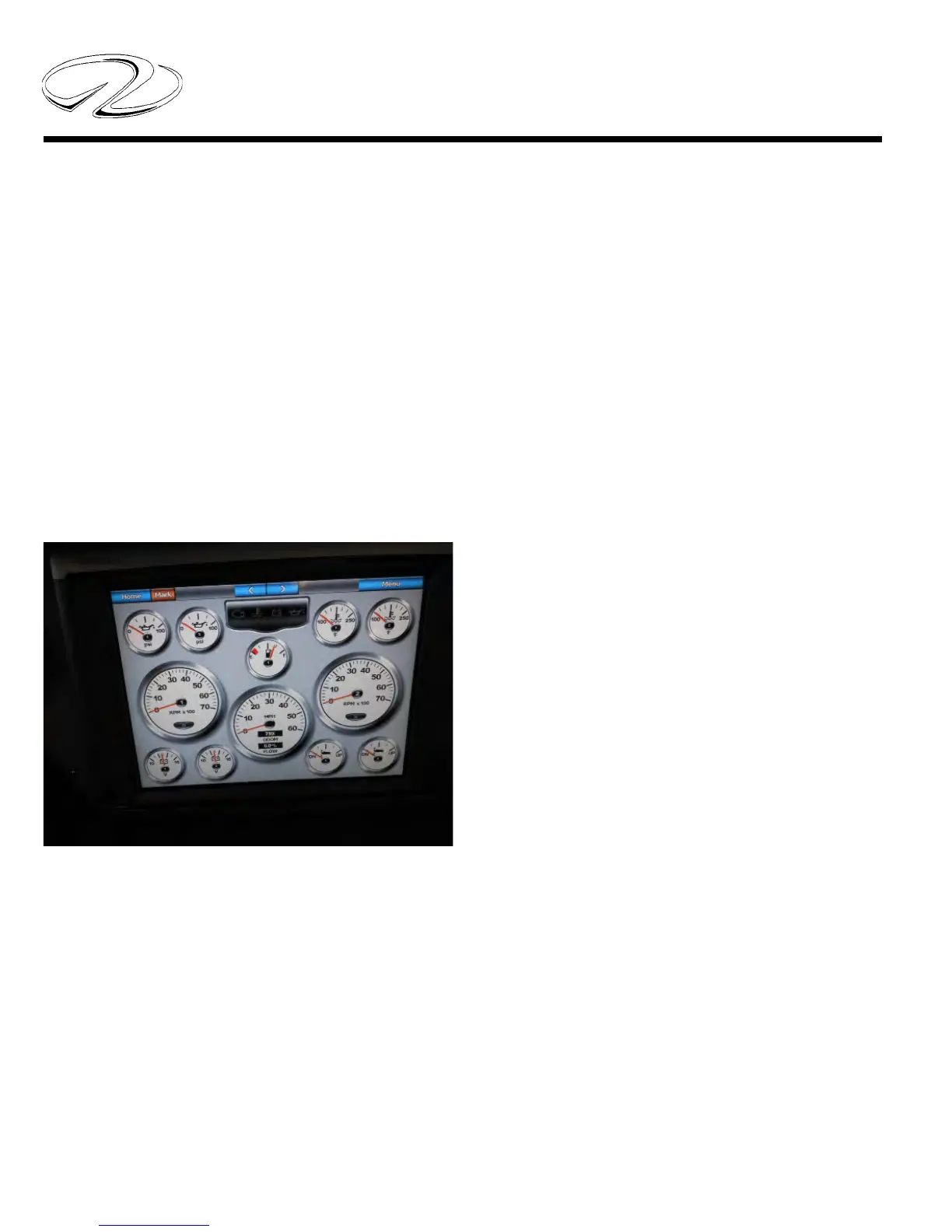
If installed, the digital gauges can be displayed on the
chartplotter(s) through the home screen. Touch informa-
tion, helm gauges and engine menu.
Also, at the home screen helm gauges can be accessed by
touching combinations. From the next screen, pick the de-
sired combo. Go to menu, change combination and choose the
desired function 1-4.
By using the > and < symbols you can access the differ-
ent gauge combinations and choose the one gauge screen
or multiple gauge screens for that function.
Read and understand the chartplotter owner’s manual be-
fore attempting to operate the vessel using these chart-
plotter functions.
Read and understand the chartplotter owner’s manual be-
fore setting the engine management function to gain in-
sight into the engine gauge screen selection process.



 To Next Page