16
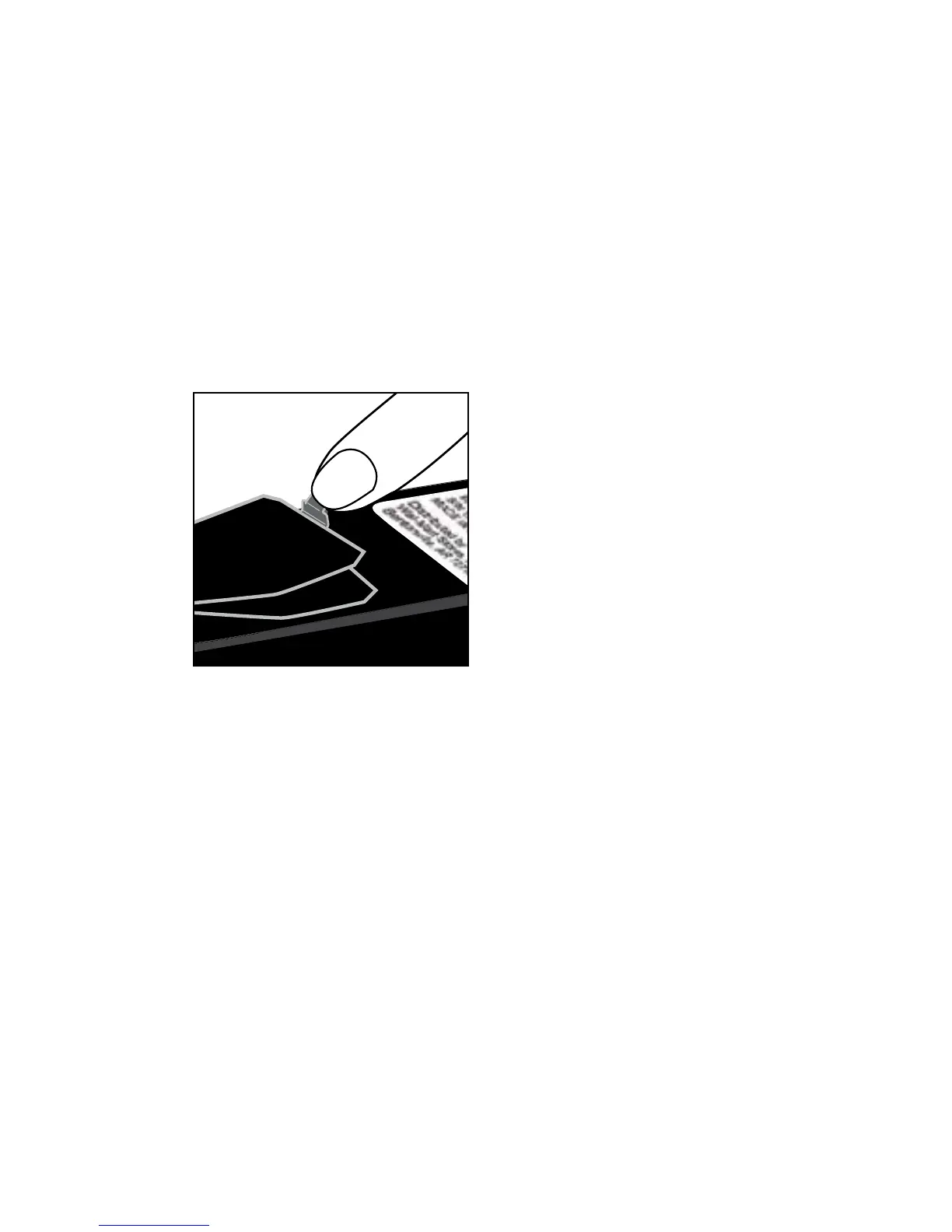
Step 5: Replace battery cover.
If the clock setting has been deleted, ‘SET’ will appear on the screen.
If ‘SET’ appears, set the time and date. If you do not set the time and
date, all subsequent results will be stored with a test date and time of
January 1, 2008, 12:00 a.m.



 To Next Page