1.10
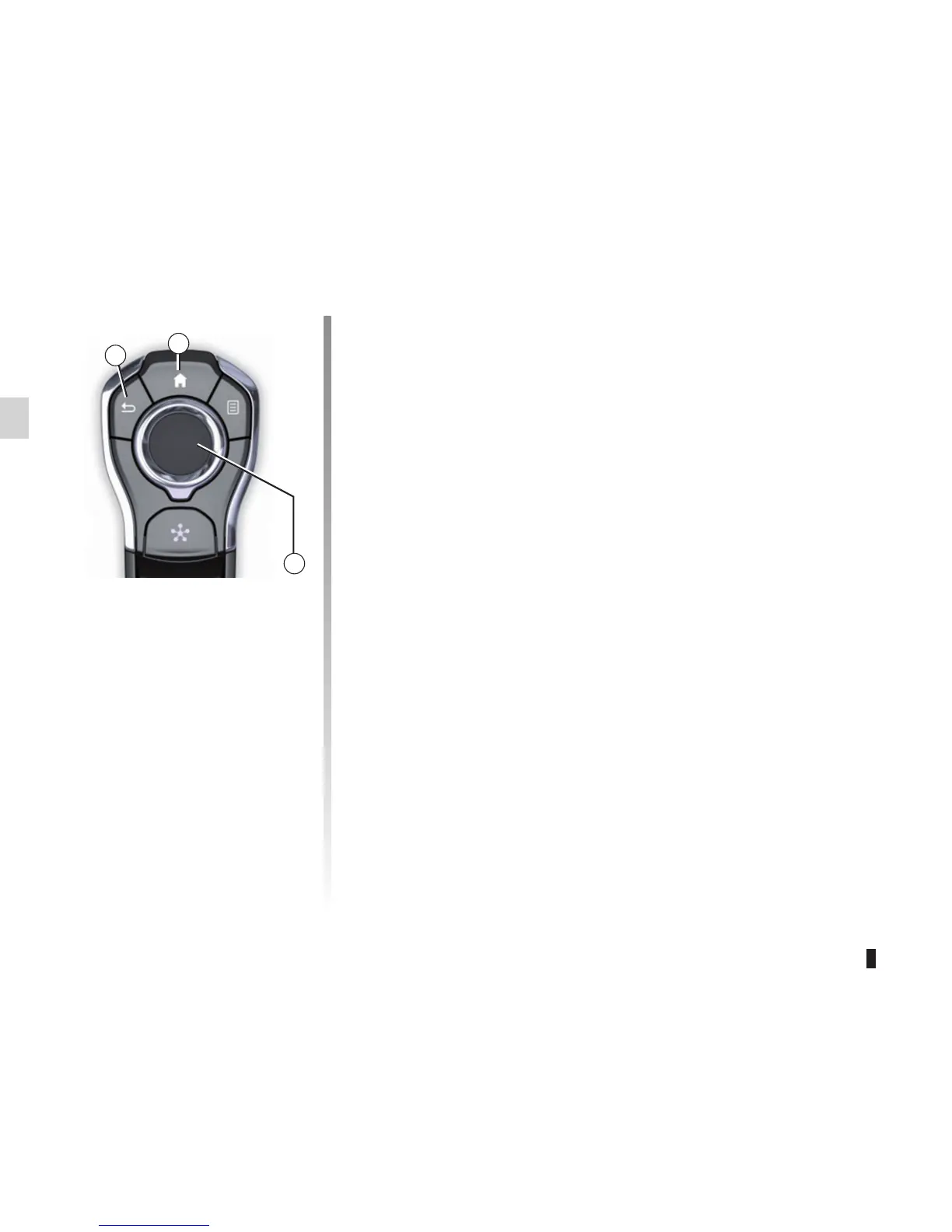
– press the joystick 8 to open the se-
lected element;
– in the tabs menus, move the joy-
stick 8 left or right to switch from one
tab to another.
Confirming/cancelling a selection
Press the joystick 8 to confirm a change.
Press the button 6 to cancel your choice
and return to the previous menu.
Press the button 7 to go back to the
home page.
OPERATING PRINCIPLES (3/5)
7
6
8
Central control
(depending on the vehicle)
Navigating a menu
Use the joystick 8 to move around the
different screens:
– Move the joystick 8 up or down to
move around the different areas of
the screen (upper bar, central zone,
lower bar);
– turn the joystick 8 to search the list or
zoom in/out map;



 To Next Page