1
2
Move X
Move Y
Move Z
Move axis
3
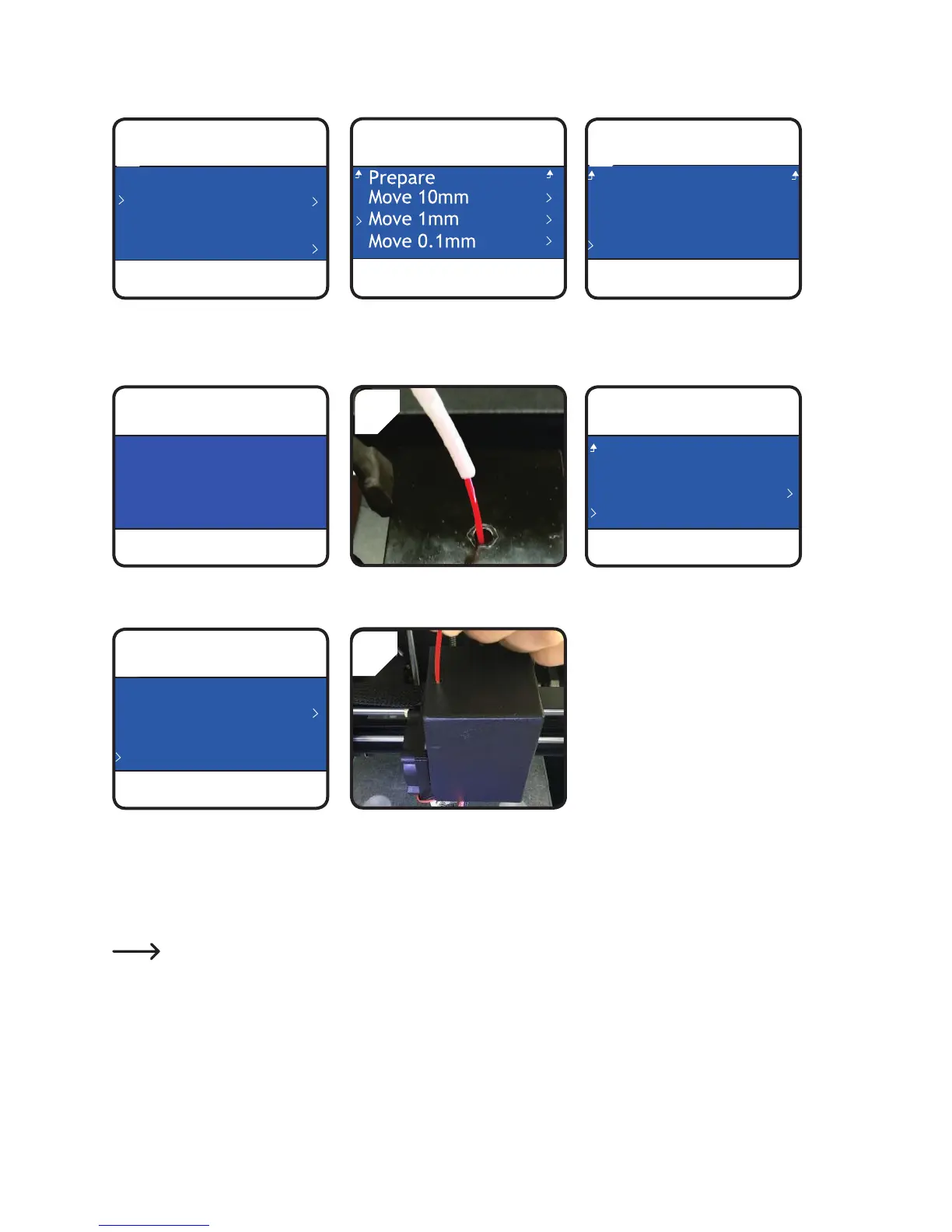
• In < Prepare > menu, select
rst < Auto Home >, then
< Move axis >.
• Select < Move 1mm > . • Select<MoveZ>.
6
• Adjust the Z-axis to minimum
+20.0mm.
• Insertthelamentintotheholeof
theextruder.
• Select<PreheatPLA>underthe
< Prepare > menu.
Auto home
Level Bed
Preheat PLA
Load filament
7
8
• Whenthecurrenttemperaturehas
reached the target temperature
(at least 170 °C), select
<Loadlament>.
• Gently push and guide the
lamentintoextruderuntilitexits
fromthenozzle.
• Feel the lament slowly getting
drawnintotheextruder.
Ifnolamentexitsfromthenozzleafterlamentmovementstopped,select<Loadlament>again.After
lamentisloaded,lamentresiduecanberemovedwiththetweezers.



 To Next Page