2
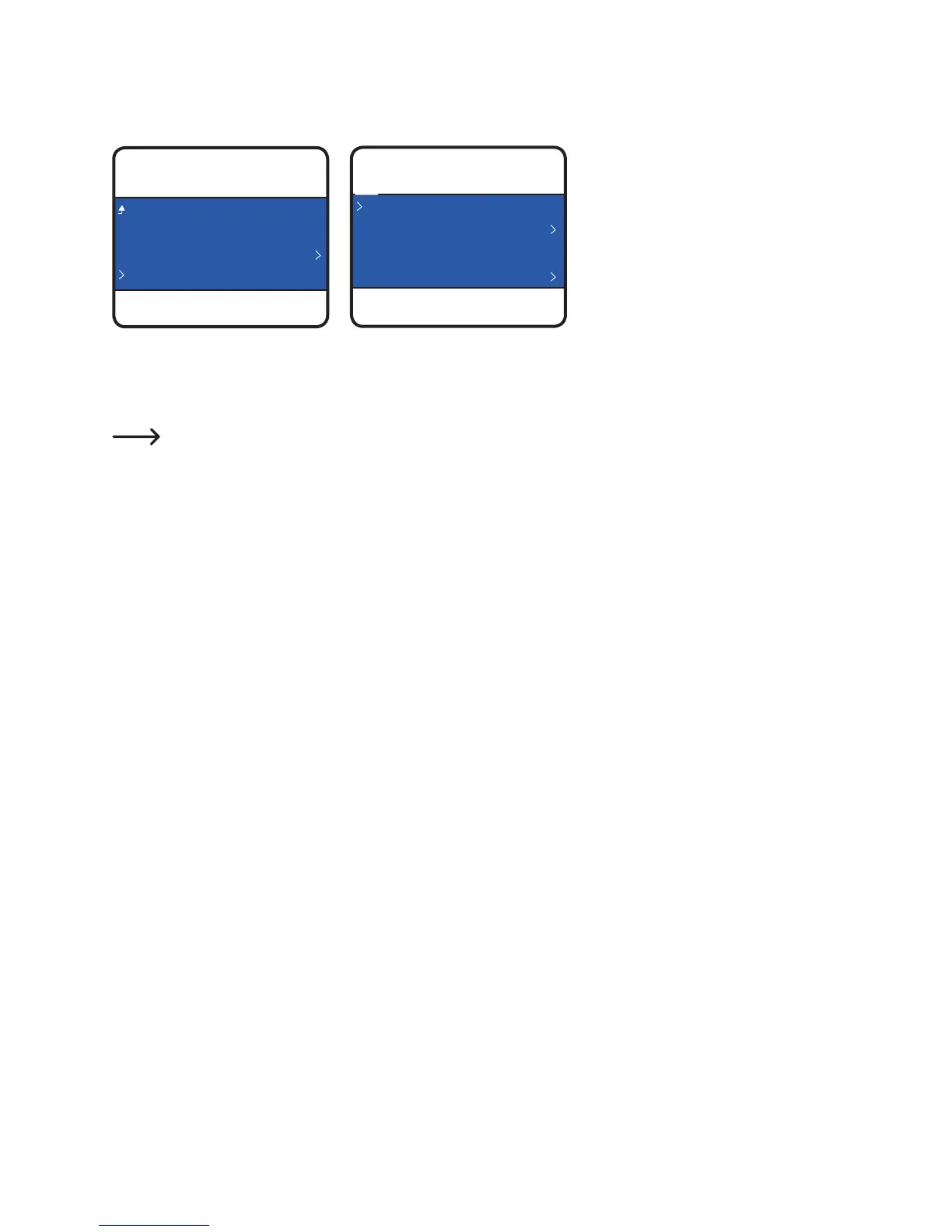
• Select<PreheatPLA>.
• Select<Unloadlament>.
• Removelamentspoolfromthe
lamentspoolholder.
Ifthelamentmaterialiseitherwoodormetal,cutitandreplaceitwithPLAlamentrstasdescribedin
section“d) Change / Replace lament“ on page 24, then unload the PLA lament. The PLA lament
removespossibleresidueleftbehindbythewoodormetallament.
f) Store the 3D printer
• Unloadthelament.
• MovethepowerswitchintotheoffpositionOanddisconnecttheprinterfromthemainsvoltage.Lettheprintercool
down to room temperature.
• Cleantheprinterifyouarenotgoingtouseitforanextendedperiodoftime.
• Storeitinadry,dust-freelocationoutofthereachofchildren.



 To Next Page