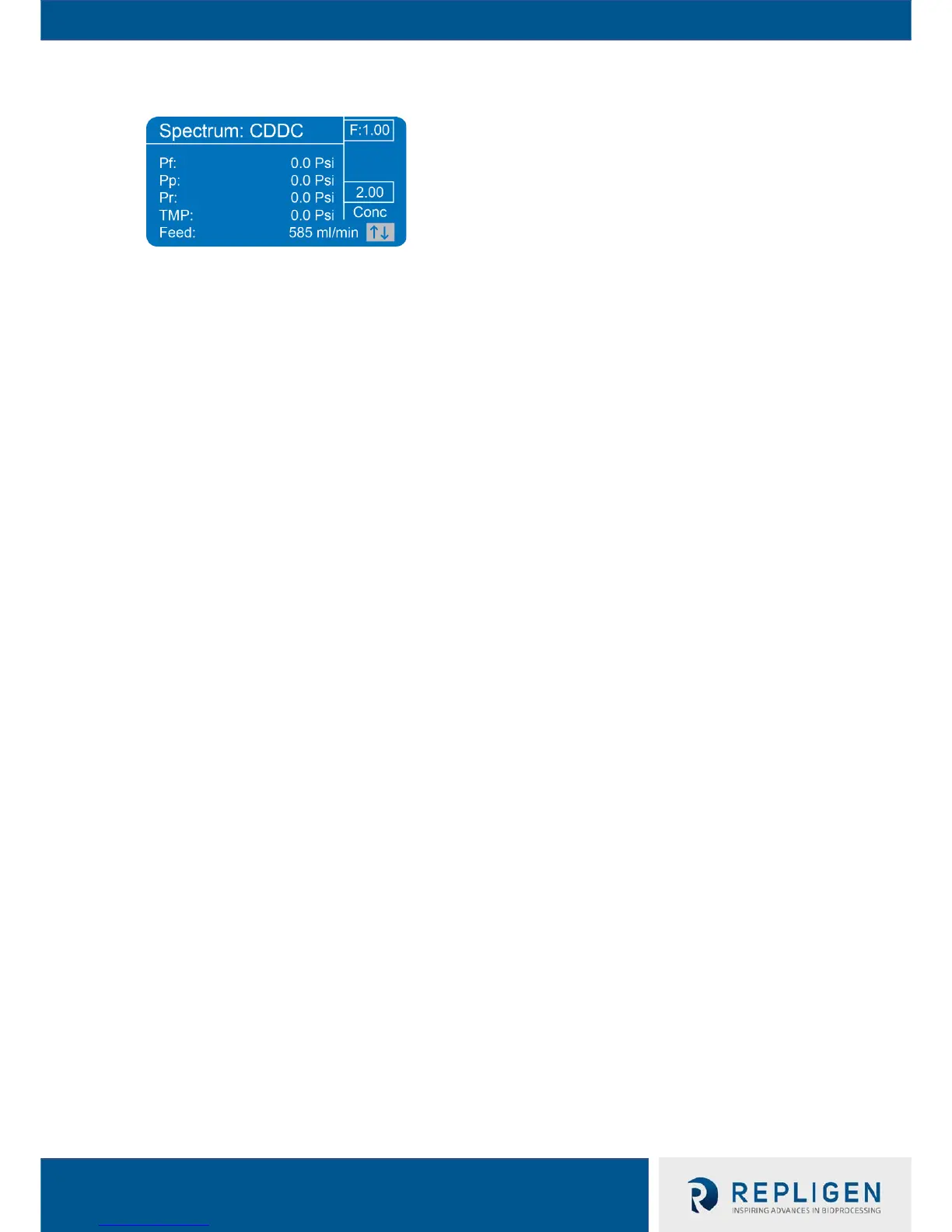
7.10.4 System Settings
a. Pump Mode – Depending on user’s Auxiliary Components, user may select one of many
Pump Modes for the TFF system to operate in that allow for manual, semi-automated, and
automated processes
b. Pressure Calibrate – Using a calibrated pressure source, the user can calibrate pressure
transducer readings
c. Alarm and Stops – Safety pressure, weight and UV alarms and interlocks
d. ABV Settings - TFF system's valve settings must be configured prior to using the valves (see
Section 10.3.3 for details)
e. Tubing Calibrate – After running the tubing in the pump for ten minutes, the user may
calibrate the tubing to ensure accurate fluid dispensing; tubing can not be calibrated if pump
is set to display RPM
f. Aux Pumps – TFF system’s Aux Pump settings must be configured prior to using the Auxiliary
Pumps to ensure the TFF system sends the correct commands to each pump
g. Hardware Setup – Time, date, unit of measure, and some Pump Mode options may be set
from the Hardware Setup menu described in more detail in the next section
h. Diagnostics – Diagnostics are for the factory use only, but may be viewed by the user
7.10.5 Hardware Setup
a. Auto Tare – When “On,” TFF system will tare pressure transducer readings
b. Pressure Units – User is able to choose “psi” or “bar” (selected unit of measure is also
displayed in KF Comm software)
c. Time – Change system time
d. Date – Change system date
e. Key Beep – When “On,” the TFF system will make an audible noise when a soft button is
pressed
f. Display Contrast – Raise or lower the screen contrast


 To Next Page