PAGE 9
Delete A Channel
Set radio to memorised mode and select the channel
will be deleted and then turn o the radio, next to keep-
ing press button and turn radio on, The LCD shows
“DEL” char, nally press button to save and exit�
CLONE Operation
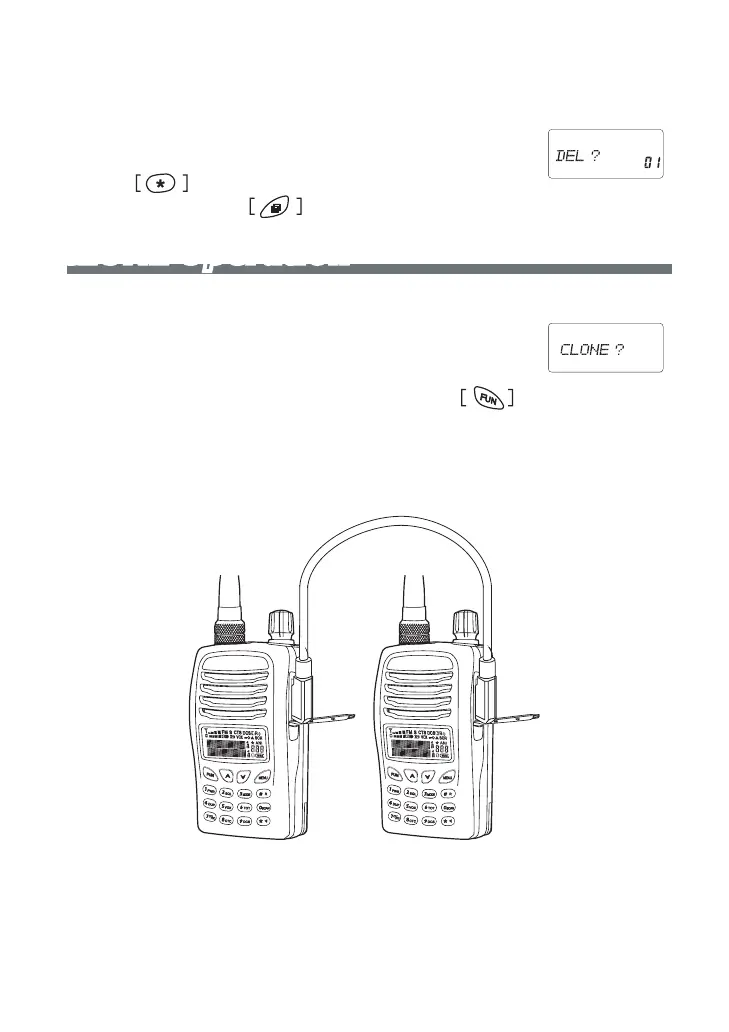
To connection as following illustration
A)Target Radio: Just to turn the radio on
B)Source Radio: Keeping press “MON” button and turn
on the radio, The LCD shows “CLONE” char, Press
button to begin transmitting� It is going to stand by after nished�



 To Next Page