PAGE 16
At scanning mode, the channel has a DCS code, the LCD appears the
code, press
to confirm this code and press PTT key to talk. Under menu.
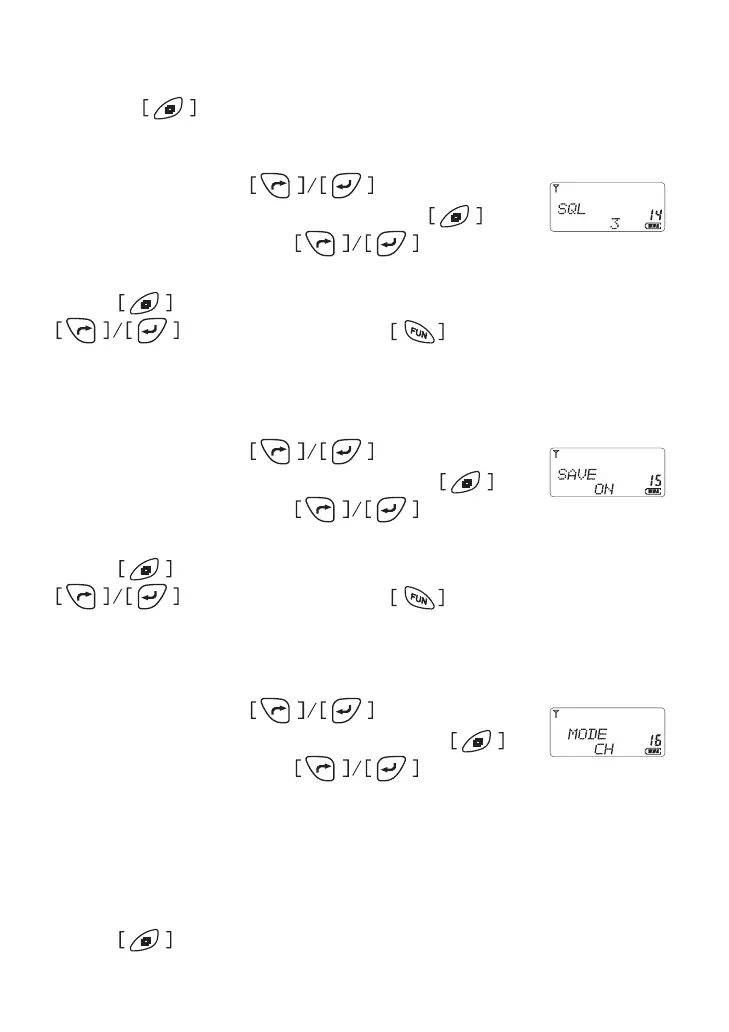
Squelch Level Setting
In menu mode, press button to select
item 14 until the LCD shows “SQL” char, press to
enter the function and press to select from
squelch level from 0FF, 1, 2���, 9�
Press button to conrm and return to menu mode, press
for other setting or press button comes back to
stand by mode�
Saving Mode Setting
In menu mode, press button to select
item 15 until the LCD shows “SAVE” char, press to
enter the function and press to select from
ON/OFF�
Press button to conrm and return to menu mode, press
for other setting or press button comes back to
stand by mode�
Operation Mode Setting
In menu mode, press button to select
item 16 until the LCD shows “MODE” char, press to
enter the function and press to select from
CH/FREQ.
* FREQ: Frequency Mode
* CH: channel Mode
* CHFREQ: Memorised mode
* NAME: channel name tag mode
Press button to conrm and return to menu mode, press



 To Next Page