PAGE 18
Beat Frequency Setting
In menu mode, press button to select
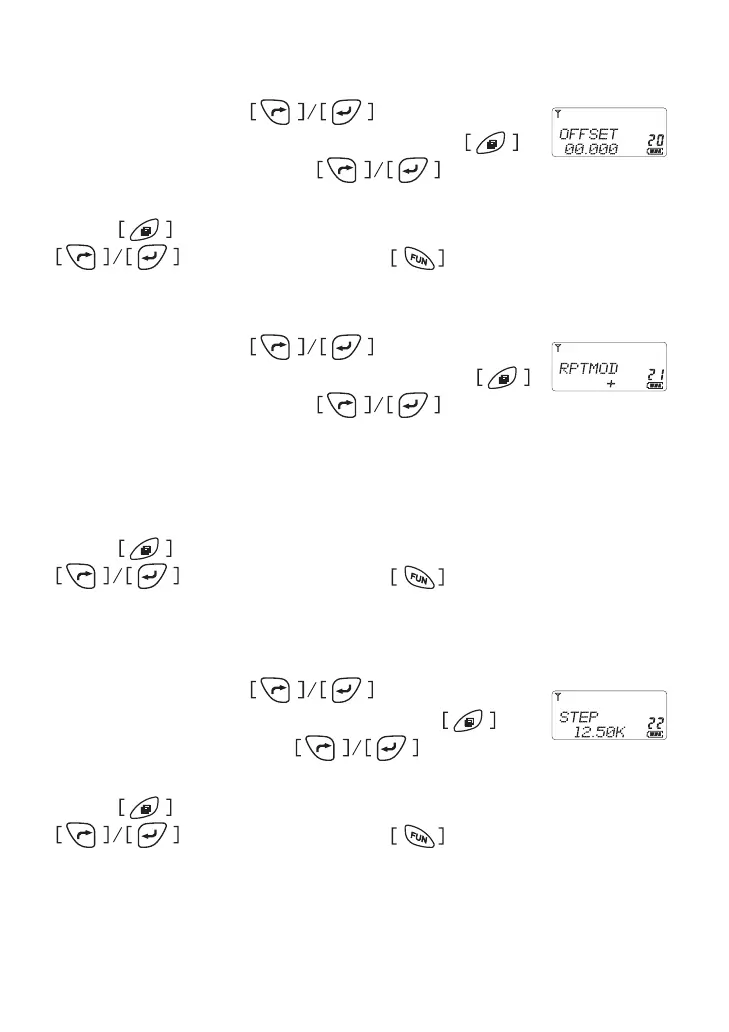
item 20 until the LCD shows “OFFSET ” char, press
to enter the function and press to select
oset frequency or keyin the number from 00�000 MHz to 69�9875MHz,
Press button to conrm and return to menu mode, press
for other setting or press button comes back to
stand by mode�
Potential Difference.
In menu mode, press button to select
item 21 until the LCD shows “RPTMOD ” char, press
to enter the function and press to select
from O/+/- �
* OFF: turn off the potential difference.
* +: Indicates TX frequency plus beat frequency
* -: Indicates TX frequency minus beat frequency
Press button to conrm and return to menu mode, press
for other setting or press button comes back to
stand by mode�
Frequency Step Setting
In menu mode, press button to select
item 22 until the LCD shows “STEP ” char, press to
enter the function and press to select from
5K/6�25K/10K/12�5K/25K/50K/100K
Press button to conrm and return to menu mode, press
for other setting or press button comes back to
stand by mode�



 To Next Page