PAGE 19
FM Radio Mode Setting
In menu mode, press button to select
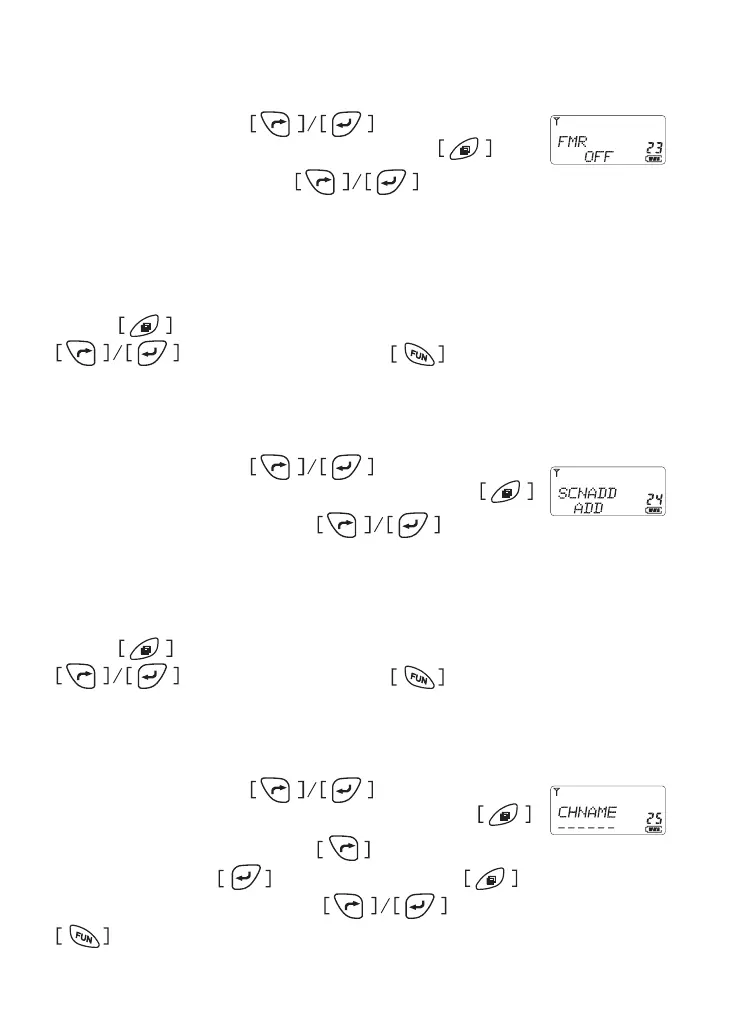
item 23 until the LCD shows “FMR ” char, press to
enter the function and press to select from
On/O�
* ON: To enable monitor the TX/Rx activity, and return to FM radio after 10
sends later.
* OFF: To disable monitor TX/Rx activity under FM radio mode.
Press button to conrm and return to menu mode, press
for other setting or press button comes back to
stand by mode�
Scan channel Add/Del
In menu mode, press button to select
item 24 until the LCD shows “SCNADD ” char, press
to enter the function and press to select
from ADD/DEL�
* ADD: Add the channel at scanning mode
* DEL: Delete the channel at scanning mode
Press button to conrm and return to menu mode, press
for other setting or press button comes back to
stand by mode�
Channel Name Tag
In menu mode, press button to select
item 25 until the LCD shows “CHNAME ” char, press
to enter the function and press button or number
to edit name, press to edit next char, Press button to conrm
and return to menu mode, press for other setting or press
button comes back to stand by mode�



 To Next Page