PAGE 11
Menu items
Menu Operation
1. In channel or Frequency Mode
2. Press
button to enter menu mode.
3. Press
button to select menu item.
4. Press
to enter the function.
5. Press
to select parameters.
6. Press
button to conrm and return menu.
7. Press
button comes back to stand by mode.
Scan Type Selection
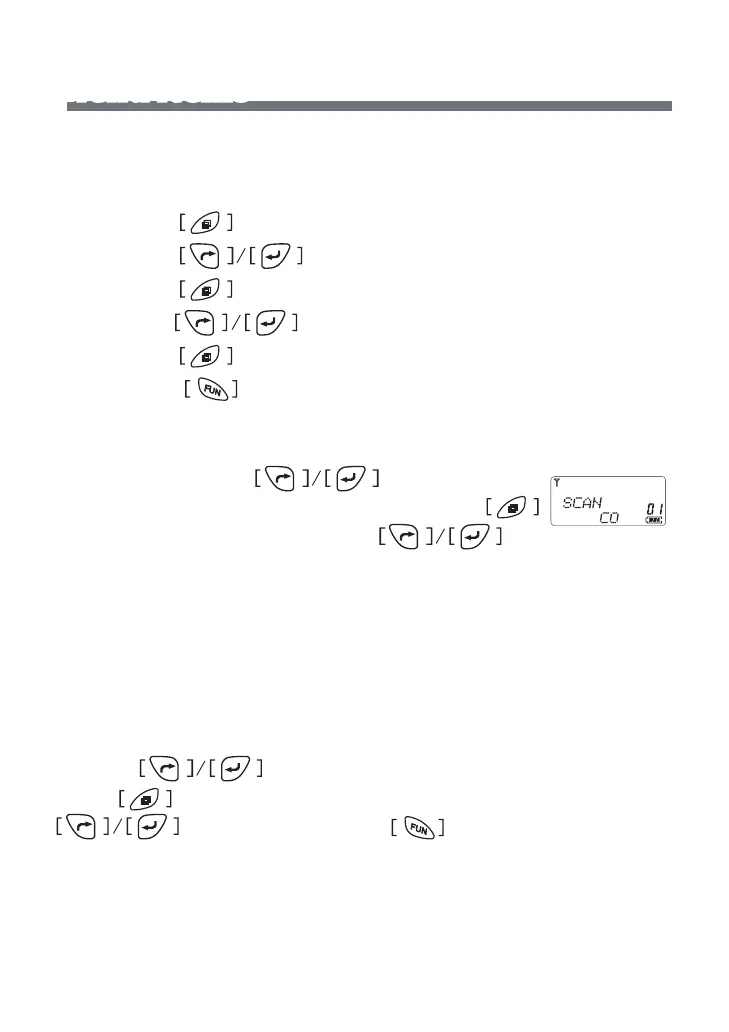
In menu mode , press button to select
item 1 function until LCD shows “SCAN” char, press
button to enter the function and press to
select the parameters from TO/CO/SE�
TO: Time-Operated Scan-> After radio is locked in a busy channel for 5
second, the radio will begin scanning other channels�
CO: Carrier-Operated Scan-> Radio will be locked in a busy channel till
there isn’t any carrier� Meanwhile, the radio will begin scanning other
channels�
SE: Search Scan -> Radio will be locked in a busy channel at all time till
you press button�
Press button to conrm and return to menu mode, press
for other setting or press button comes back to
stand by mode�



 To Next Page