26
User manual RF-KIT Power Amplifier RF2K-S
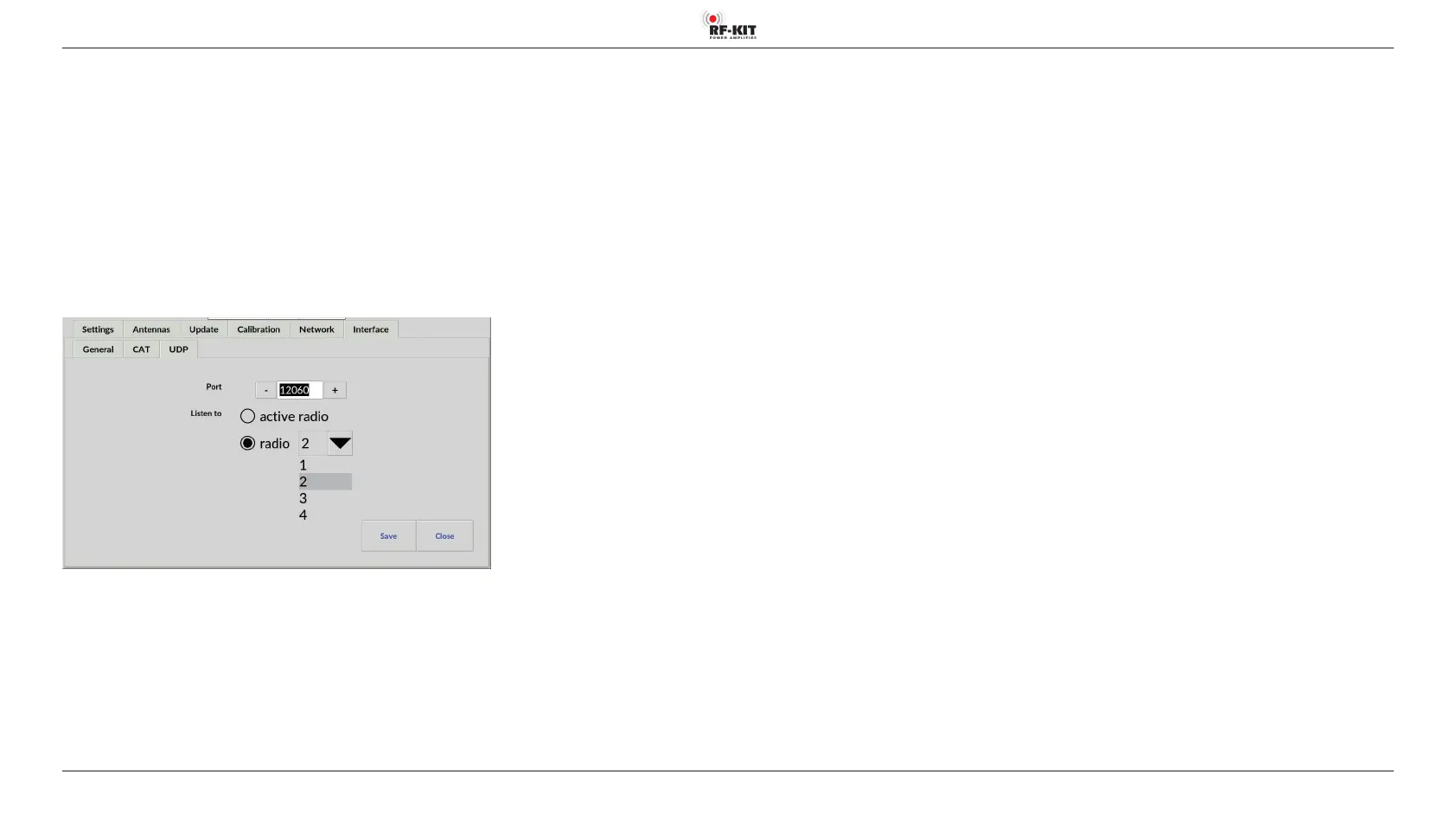
- Selection menu Listen to
The setting is made depending upon your station configuration.
Where one or more exciter(s)/transceiver(s) will drive the PA:
► Tap on the switching area active radio to track the frequency of the
active exciter/transceiver.
Where multiple exciters/transceivers are in use but the PA is dedicated to
just one:
► Tap the switching area radio then.
► Tap the black triangle of the selection menu radio to track the fre-
quency of the attached exciter/transceiver.
The selection menu closes, the selected exciter/transceiver is displayed.



 To Next Page