29
User manual RF-KIT Power Amplifier RF2K-S
6.4 Automatic tuning
For automatic detection and to save a tuner configuration and settings
for a given antenna / frequency combination, proceed as follows:
► Tap at switching area Tuner Mode until the the switching area
appears red and “MAN“ will be displayed.
► If the antenna tuner is bypassed, tap at switching area Bypass until
“L“ and “C“ are displayed.
► Adjust exciter power between 4 W and 39 W.
► Tap at switching area Tune. The color of the switching area changes
from dark blue to light blue, indicating that the antenna tuner is
now active.
A full tuning process is triggered by a longer touch (about 1 s) of swit
-
ching area Tune:
A completely empty database requires a full tuning process that includes
all possible values and configurations; this tuning process takes about 28 s.
A normal tuning process is triggered by a quick tap at switching area
Tune:
With already determined settings for frequencies that do not deviate
from the current working frequency by more than twice a segment size,
approx. 8 s are sufficient for a normal tuning process.
On successful completion of an automatic tuning process the settings may
be stored in a database assigned to theantenna connector in use.
The results of the tuning can be seen by the value for SWR displayed in
indication area SWR.
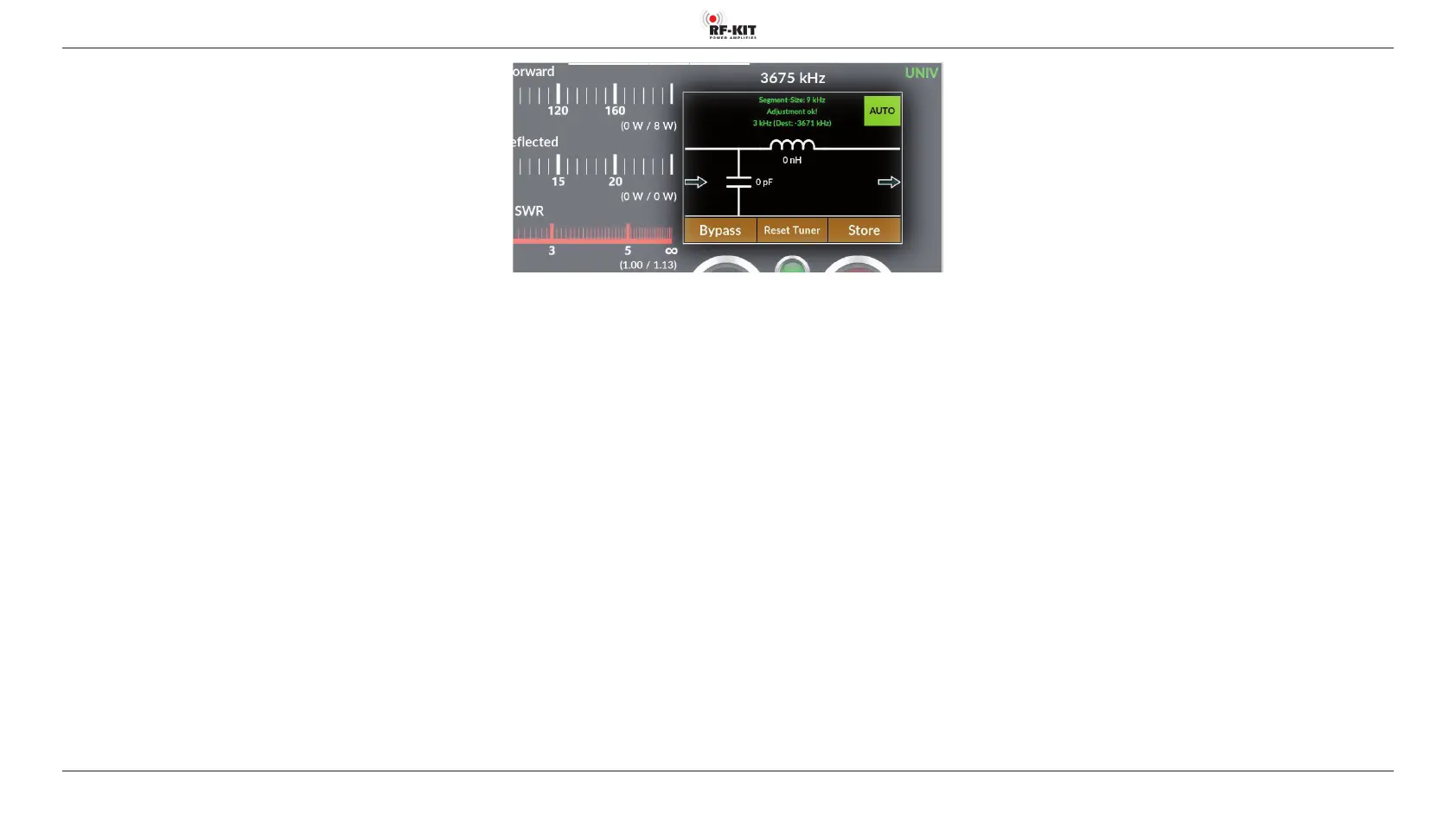
► Tap at switching area Store to save the settings for the current
antenna / frequency combination.
Switching area Store ashes 2x to conrm the settings have been stored.



 To Next Page