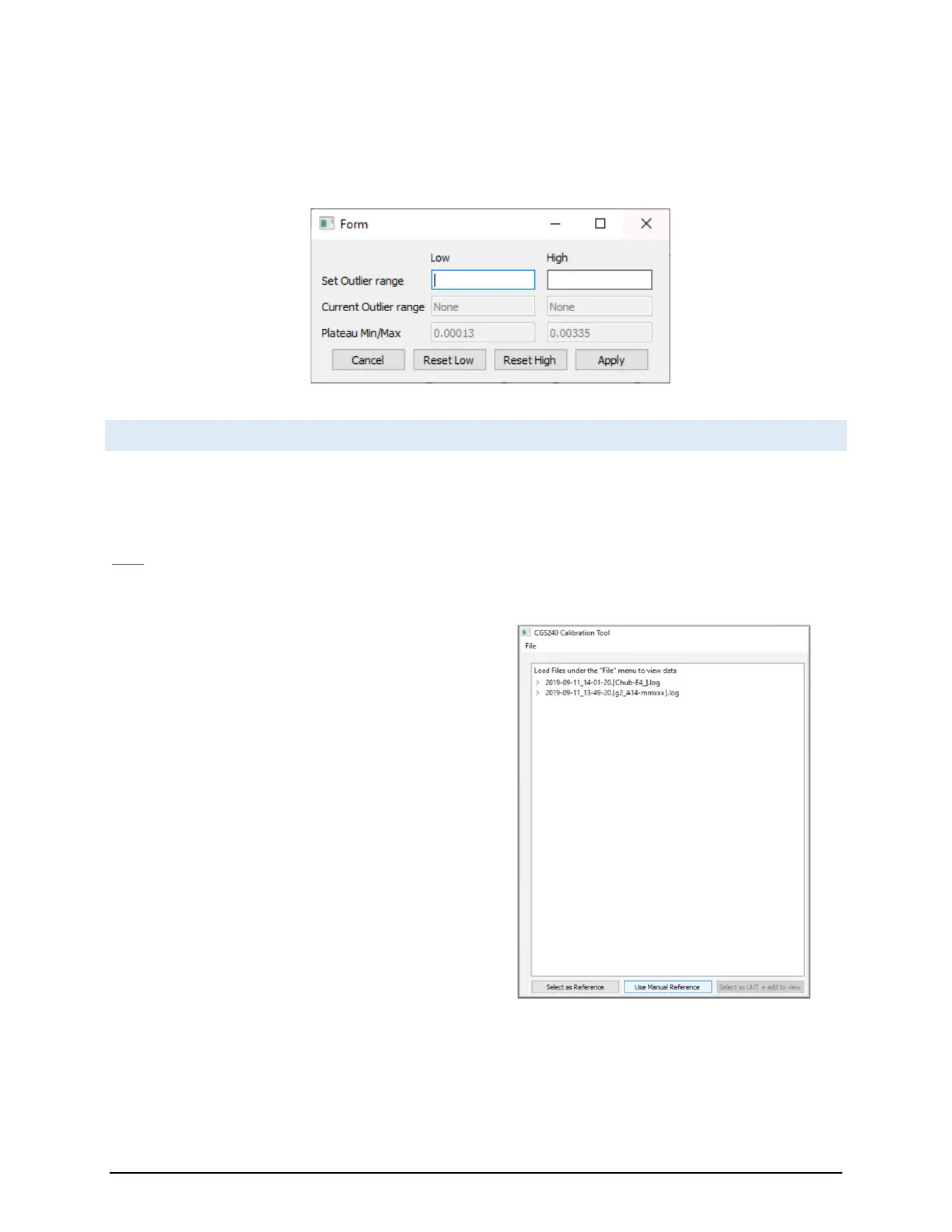
• A button which will display a window where you can specify minimum and maximum values. These values
serve as bounds which will exclude any outliers within the plateau range. RHS Plateau will then recalculate
the plateau information and display with the newly defined outliers excluded.
10.5 SELECTING A MANUAL REFERENCE
As an alternative to selecting a reference data set, it is possible to manually input reference values for a given
plateau (as shown in Figure 5.28).
Note: This section is not mandatory and may be skipped if a reference data set was already selected.
Where you would normally select a reference data set,
instead of clicking the ‘Select as Reference’ button,
select the ‘Use Manual Reference’ button. Then go
through the normal steps up through the section
‘Evaluating for Plateaus’.



 To Next Page