Add: 5F
, No.4 building, No 4. Yard, life Rd, life science park,
Tel:010-53275118 Fax
There is a mark“*”
before every level password
work normally.
When you have set all passwords
When password expires,
When user gets the password from engraving machine manufacturer,
screen will display:
Enter
the new password directly
Restart the dsp controller, after that the system will work normally.
Emphasis:
contact RichAuto and tell us 20
SETUP-Trail Password”
The time password is updated successfully,
please restart the control system.
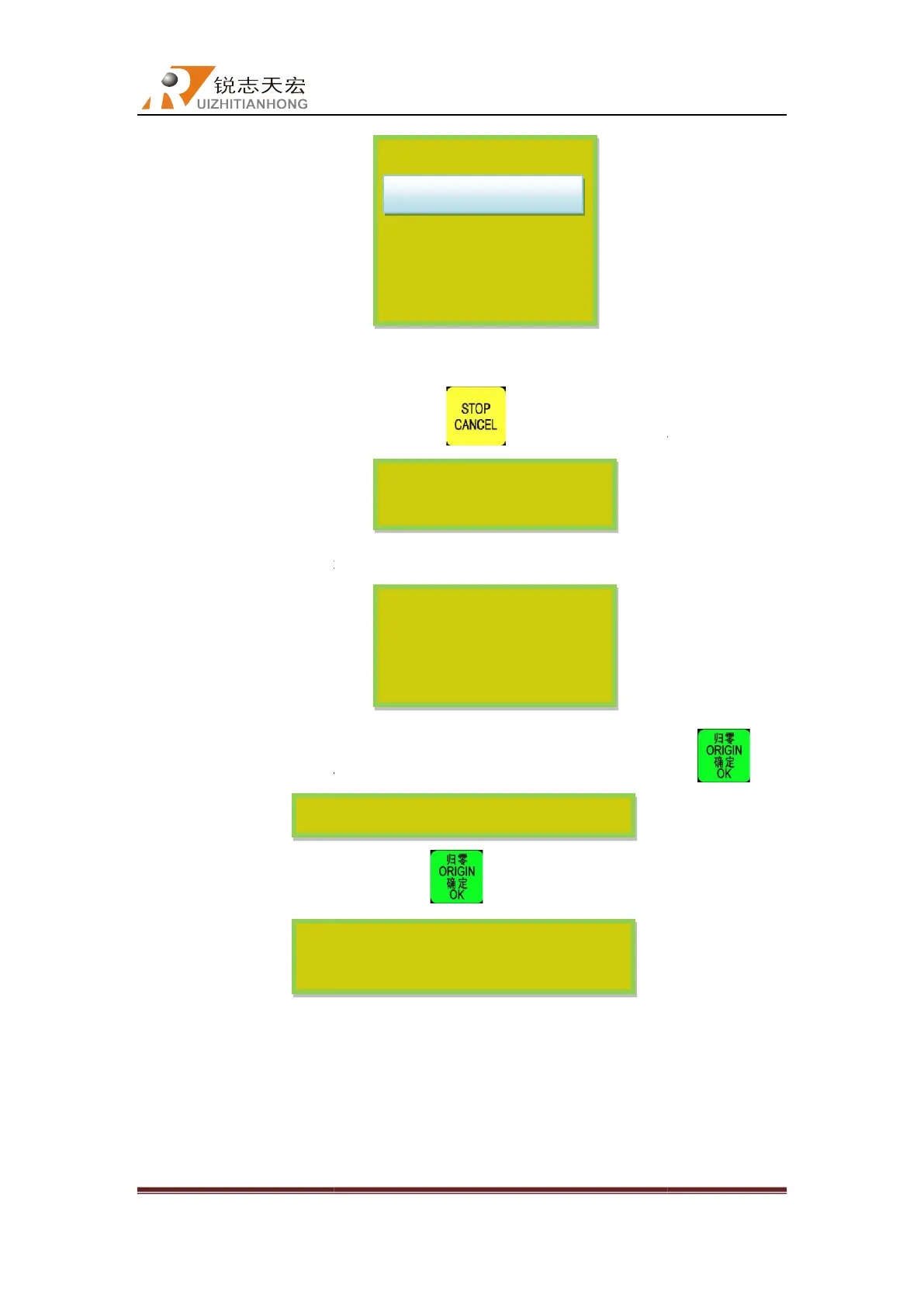
Please input trail 1 password:
Beijing RichAuto S&T Co., Ltd
, No.4 building, No 4. Yard, life Rd, life science park,
Beiqing St., Changping d
010-53275110/53275111 Web site:
before every level password
,if not indicats that
When you have set all passwords
,press“
”,the screen will display:
:
When user gets the password from engraving machine manufacturer,
the new password directly
, press “ ” to save
Restart the dsp controller, after that the system will work normally.
manufacturer forgets
contact RichAuto and tell us 20
-digit original password under
e will provide the new 20-digit
Trial password
*Trial1passwor
*Trial3passwor
*Trial4passwor
Choose U disk file
The system is out of testing
time, please contact the
factory to get more testing
The time password is updated successfully,
please restart the control system.
You must restart the system
after setting trial password.
Please input trail 1 password:
Beijing RichAuto S&T Co., Ltd
Beijing, China
34
”,the screen will display:
” the
s, user could
“SYSTEM
enter the new



 To Next Page