Add: 5F
, No.4 building, No 4. Yard, life Rd, life science park,
Tel:010-53275118 Fax
returning home, and the sc
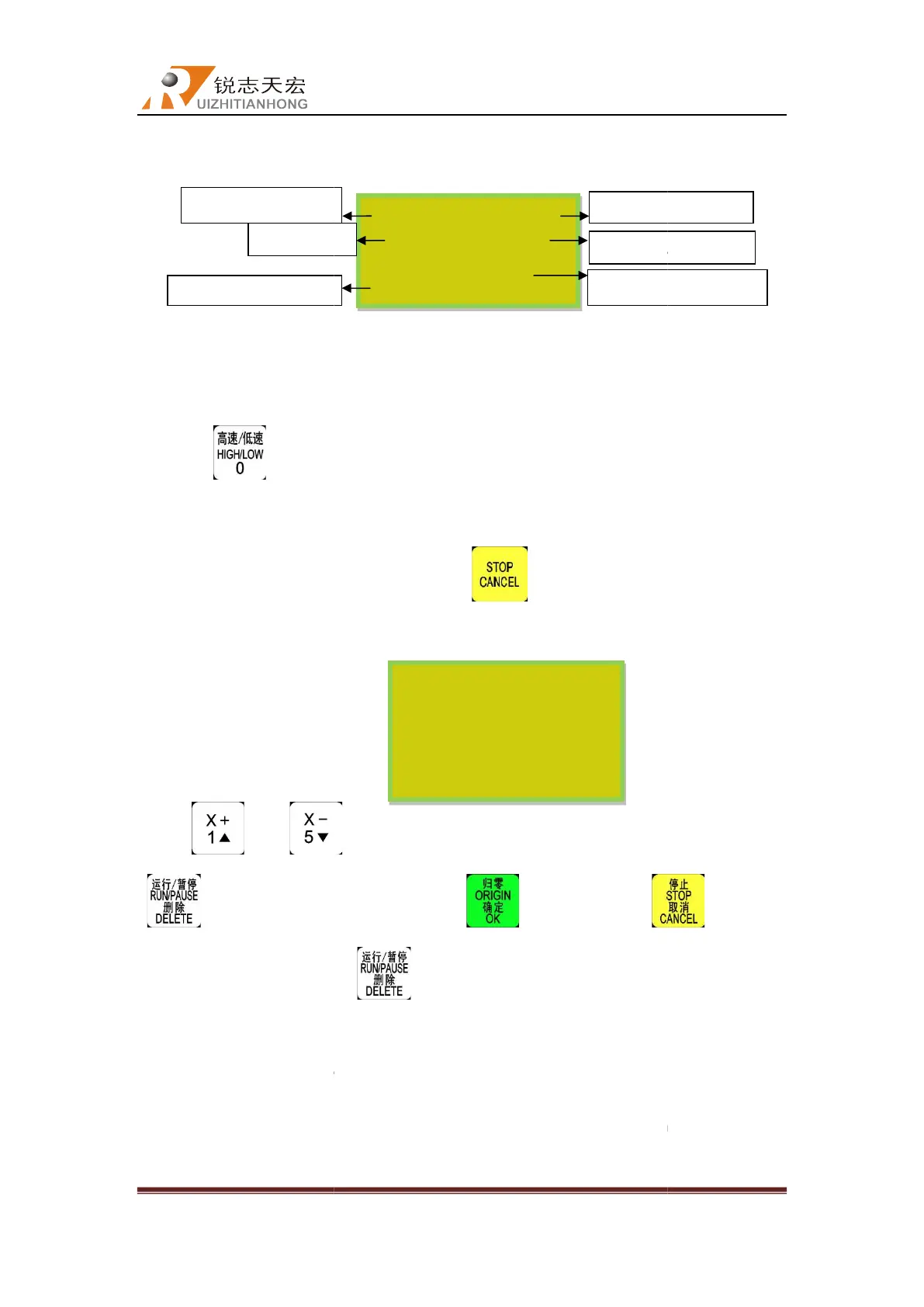
Manual control state initial interface
5.3.1
Manual operation speed switching and adjusting
There are two speed modes: high speed
pressing “
”. The speed mode you choose will decide the
speed.
2) Speed adjusting:
Under the manual operation mode, pressing “
the current speed mode is “L”, the dsp controller displays as follow:
Press“ ”or “
“
”button to modify the value, press “
input a wrong number, press “
In order to ensure the accuracy of processing and debugging, the system introduces
concept of grid which also called minimum feed. It range is 0.05mm
change mode into “step”,
the grid distance
About the high speed manual mode setting method is exactly the same as introduced
above.
Coordinate
Beijing RichAuto S&T Co., Ltd
, No.4 building, No 4. Yard, life Rd, life science park,
Beiqing St., Changping d
010-53275110/53275111 Web site:
:
Manual control state initial interface
:
Manual operation speed switching and adjusting
There are two speed modes: high speed
(F) and low speed(L)
. Change the speed mode by
”. The speed mode you choose will decide the
manual
Under the manual operation mode, pressing “
” to adjust current speed settings. If
the current speed mode is “L”, the dsp controller displays as follow:
”to move the cursor, then select the option and press
”button to modify the value, press “
” to save, press “
input a wrong number, press “
” to delete the last numbers and re-
In order to ensure the accuracy of processing and debugging, the system introduces
concept of grid which also called minimum feed. It range is 0.05mm
-
-axis direstion buttons, the mach
.
About the high speed manual mode setting method is exactly the same as introduced
WX
WY
WZ 0.000 L
Manual Param
XSLOW
YSLOW 1200.000
ZSLOW 1200.000
Slow Grid 0.100
Beijing RichAuto S&T Co., Ltd
Beijing, China
36
. Change the speed mode by
” to adjust current speed settings. If
”to move the cursor, then select the option and press
” to quit. If
In order to ensure the accuracy of processing and debugging, the system introduces
a
be moving at
About the high speed manual mode setting method is exactly the same as introduced



 To Next Page