Add: 5F
, No.4 building, No 4. Yard, life Rd, life science park,
Tel:010-53275118 Fax
The start position of X, Y and Z in the processing program is the workpiece origin. Before
operation, we should pay
attention to this position as well as the real position. Operation is
as follow:
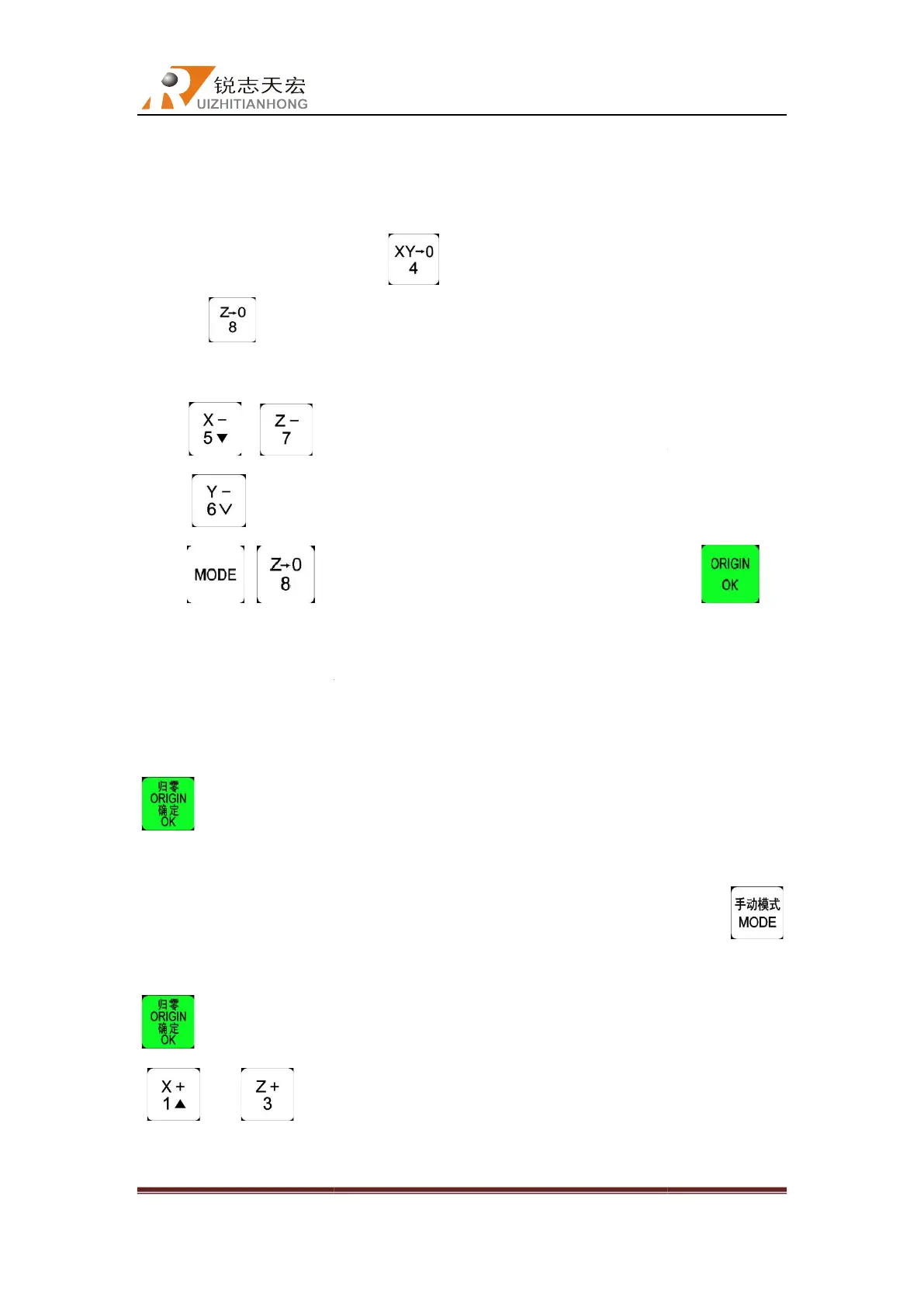
Manual move X,Y and Z to the position which will start to process the file on workpiece.
Afterwards, press zero clearing “
clearing “
” to decide the origin of Z axis.
Press“ ”/“
press “ ”
to move Y axis to a proper position too
keys “ +
save the setting.
5.4.3
Adjust the origin of the workpiece
If the user needs to reset workpiece origin, for example: needs to move Y direction or
adjust the cutters depth of X and Z axis. In this case, the user can
, the lath
axis will move to the settled origin
over the settled workpiece original point at the sa
button to change the manual mode into DISTANCE, input the value 10, and then press
button to save the distance as 10mm. At that time,
“ ”and“ ”,
Beijing RichAuto S&T Co., Ltd
, No.4 building, No 4. Yard, life Rd, life science park,
Beiqing St., Changping d
010-53275110/53275111 Web site:
The start position of X, Y and Z in the processing program is the workpiece origin. Before
attention to this position as well as the real position. Operation is
Manual move X,Y and Z to the position which will start to process the file on workpiece.
Afterwards, press zero clearing “
” to decide the origin of X,Y axis. Press zero
” to decide the origin of Z axis.
two cutters to reasonable and safety position,
to move Y axis to a proper position too
,
and then press the combination
location as stop position,
Adjust the origin of the workpiece
If the user needs to reset workpiece origin, for example: needs to move Y direction or
adjust the cutters depth of X and Z axis. In this case, the user can
will complete the moving of returning to workpiece origin, Y
axis will move to the settled origin
al position, and
cutters of X and Y axis will stop 10mm
over the settled workpiece original point at the sa
me time. Next, double
button to change the manual mode into DISTANCE, input the value 10, and then press
button to save the distance as 10mm. At that time,
the X and Y cutters moving
back to the settled position of
Beijing RichAuto S&T Co., Ltd
Beijing, China
39
The start position of X, Y and Z in the processing program is the workpiece origin. Before
attention to this position as well as the real position. Operation is
Manual move X,Y and Z to the position which will start to process the file on workpiece.
” to decide the origin of X,Y axis. Press zero
two cutters to reasonable and safety position,
then
and then press the combination
” to
If the user needs to reset workpiece origin, for example: needs to move Y direction or
will complete the moving of returning to workpiece origin, Y
cutters of X and Y axis will stop 10mm
the
button to change the manual mode into DISTANCE, input the value 10, and then press
button to save the distance as 10mm. At that time,
single press
back to the settled position of



 To Next Page