Add: 5F
, No.4 building, No 4. Yard, life Rd, life science park,
Tel:010-53275118 Fax
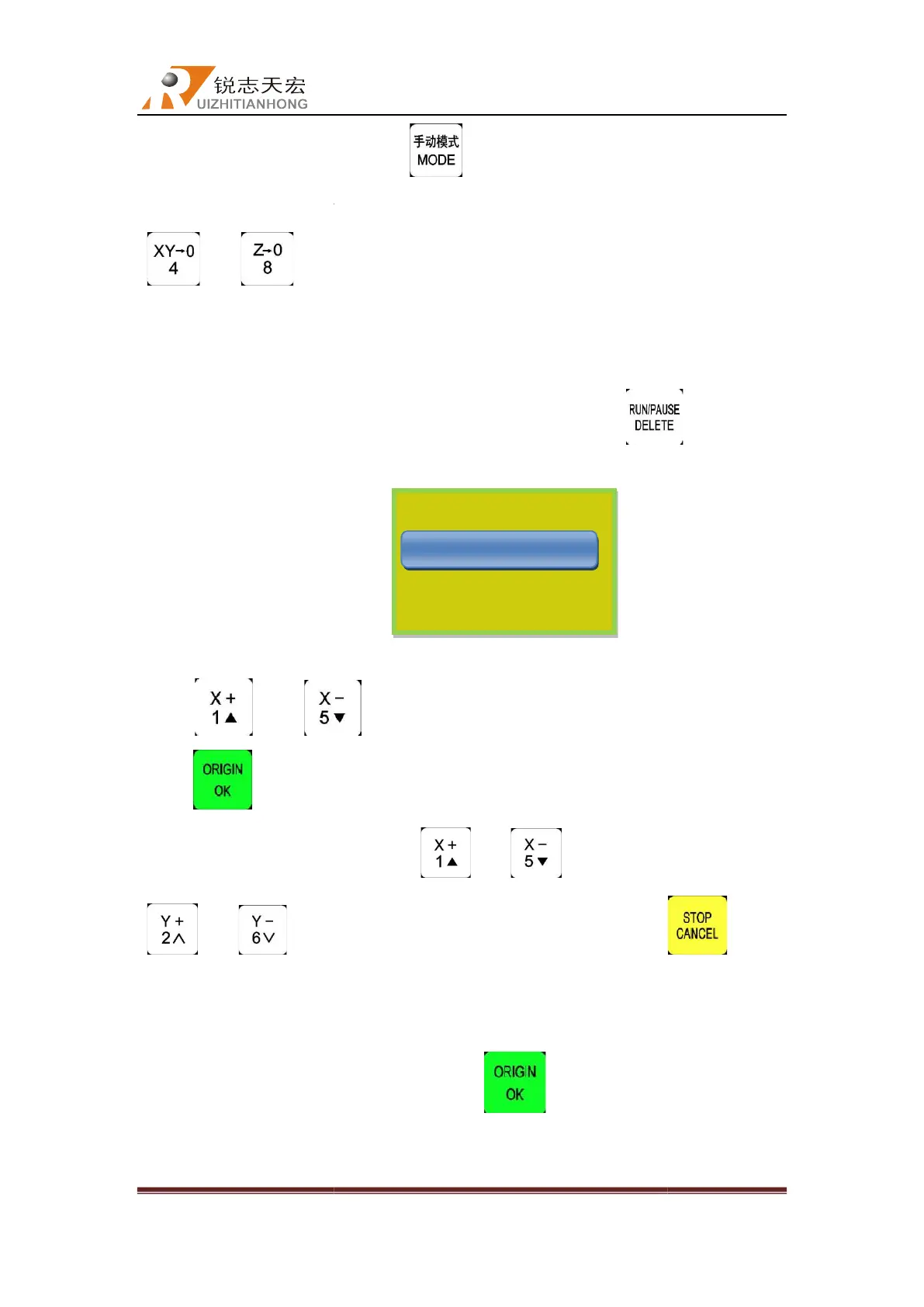
workpiece origin
speed mode”) , fine adjust X and Z
“ ”and“ ”
origin.
5.4.4
Since the workpiece origin has been set. Now user can press
prompt dialog shown on the screen:
Press “ ” and “
press “
screen
, choose the file by pressing “
“ ”and“ ”to
to exit.
5.4.5
Set processing parameters
After choosing the processing file please press“
menu
length, speed scale,
Beijing RichAuto S&T Co., Ltd
, No.4 building, No 4. Yard, life Rd, life science park,
Beiqing St., Changping d
010-53275110/53275111 Web site:
button to change it into STEP mode(at “Low
speed mode”) , fine adjust X and Z
axes
to new workpiece origin position then
. That’s all the steps of adjusting workpiece
Since the workpiece origin has been set. Now user can press
prompt dialog shown on the screen:
”to move the cursor and select through the displaying list,
file
list, the screen will display three file name
, choose the file by pressing “
”and“ ”
turn to the next page. Press “
Set processing parameters
After choosing the processing file please press“
”,enter into
、travel speed(or Fast speed)、last speed、
refer to picture below).
Recent File
Beijing RichAuto S&T Co., Ltd
Beijing, China
40
button to change it into STEP mode(at “Low
to new workpiece origin position then
press
. That’s all the steps of adjusting workpiece
and see the
”to move the cursor and select through the displaying list,
list, the screen will display three file name
in every
. Press
” button
parameters”
RoughLen, Left



 To Next Page