Add: 5F
, No.4 building, No 4. Yard, life Rd, life science park,
Tel:010-53275118 Fax
4.
According to menu function, RichAuto system menu is divided into
param setup, file
operation, system setup, factory setup, version view
menu has multiple
4.2
4.2.1 U
“User parameter setup” menu is used to set the parameters about machine
hardware. It is set by machine producer
machine hardware, electronic device settings have not changed, user also should not
change the parameters under this menu. If user need to modify parameters
consult the equipment manufacturer and modif
technical engineer.
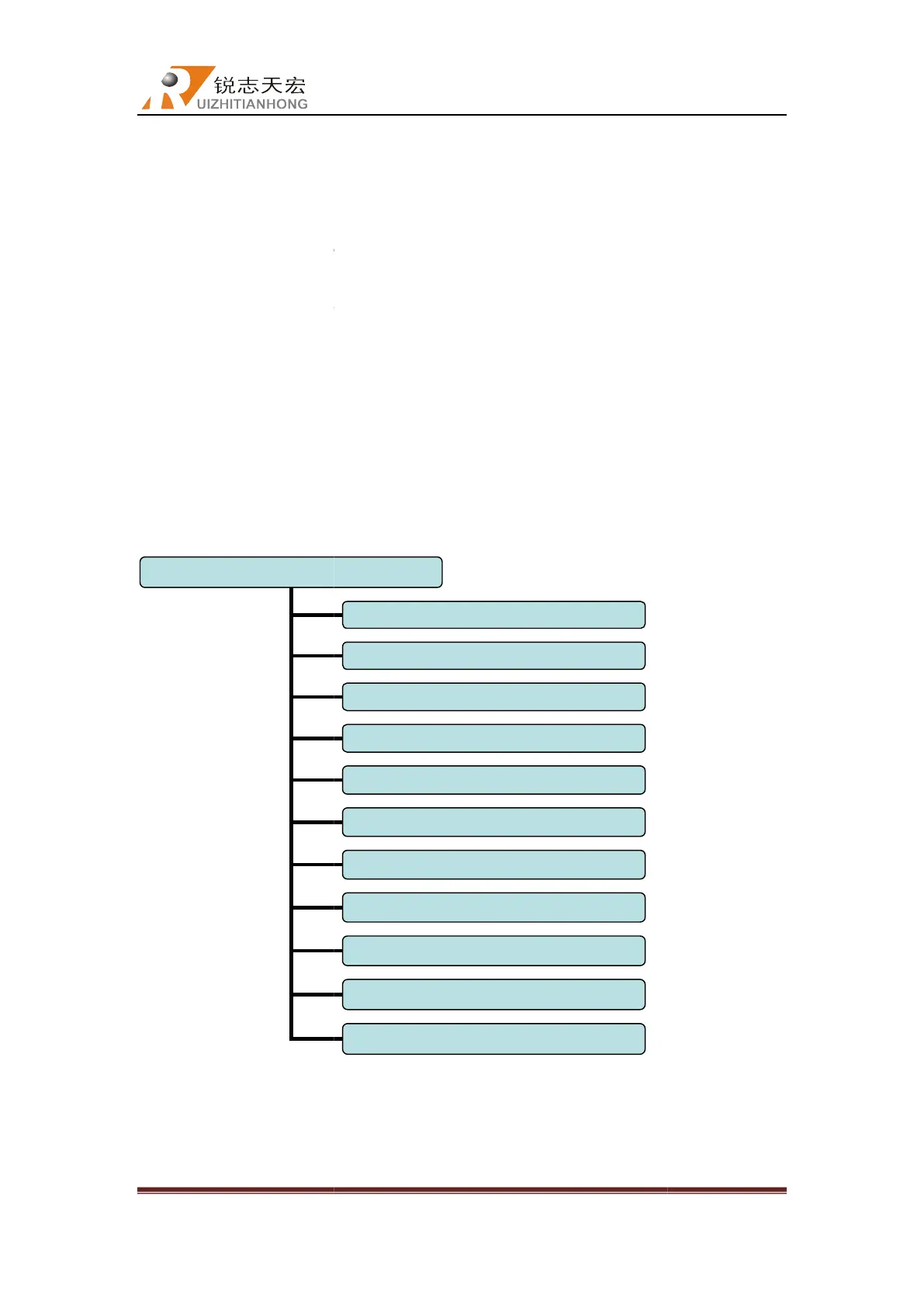
User parameter setup structure diagram
1. Machine setup
(1) Work type:
a.
from the tailstock to four
Beijing RichAuto S&T Co., Ltd
, No.4 building, No 4. Yard, life Rd, life science park,
Beiqing St., Changping d
010-53275110/53275111 Web site:
According to menu function, RichAuto system menu is divided into
operation, system setup, factory setup, version view
“User parameter setup” menu is used to set the parameters about machine
hardware. It is set by machine producer
according to device type. If parameters such as
machine hardware, electronic device settings have not changed, user also should not
change the parameters under this menu. If user need to modify parameters
consult the equipment manufacturer and modif
y with the help of the manufacturers
User parameter setup structure diagram
“work positive”
refers to machining processing direction is
from the tailstock to four
-
jaw chuck. “Work negative” is the opposite of “work positive”
Machine setup
Feed list
Spiral work list
Loop proc setup
Work speed (engraving)
Lathe work speed
Origin offset (workpiece origin offset)
Safe height
Auto speed ratio
Fall down scale
Stop state
Beijing RichAuto S&T Co., Ltd
Beijing, China
18
: user
operation, system setup, factory setup, version view
, each main
“User parameter setup” menu is used to set the parameters about machine
according to device type. If parameters such as
machine hardware, electronic device settings have not changed, user also should not
change the parameters under this menu. If user need to modify parameters
,please
y with the help of the manufacturers
refers to machining processing direction is
jaw chuck. “Work negative” is the opposite of “work positive”



 To Next Page