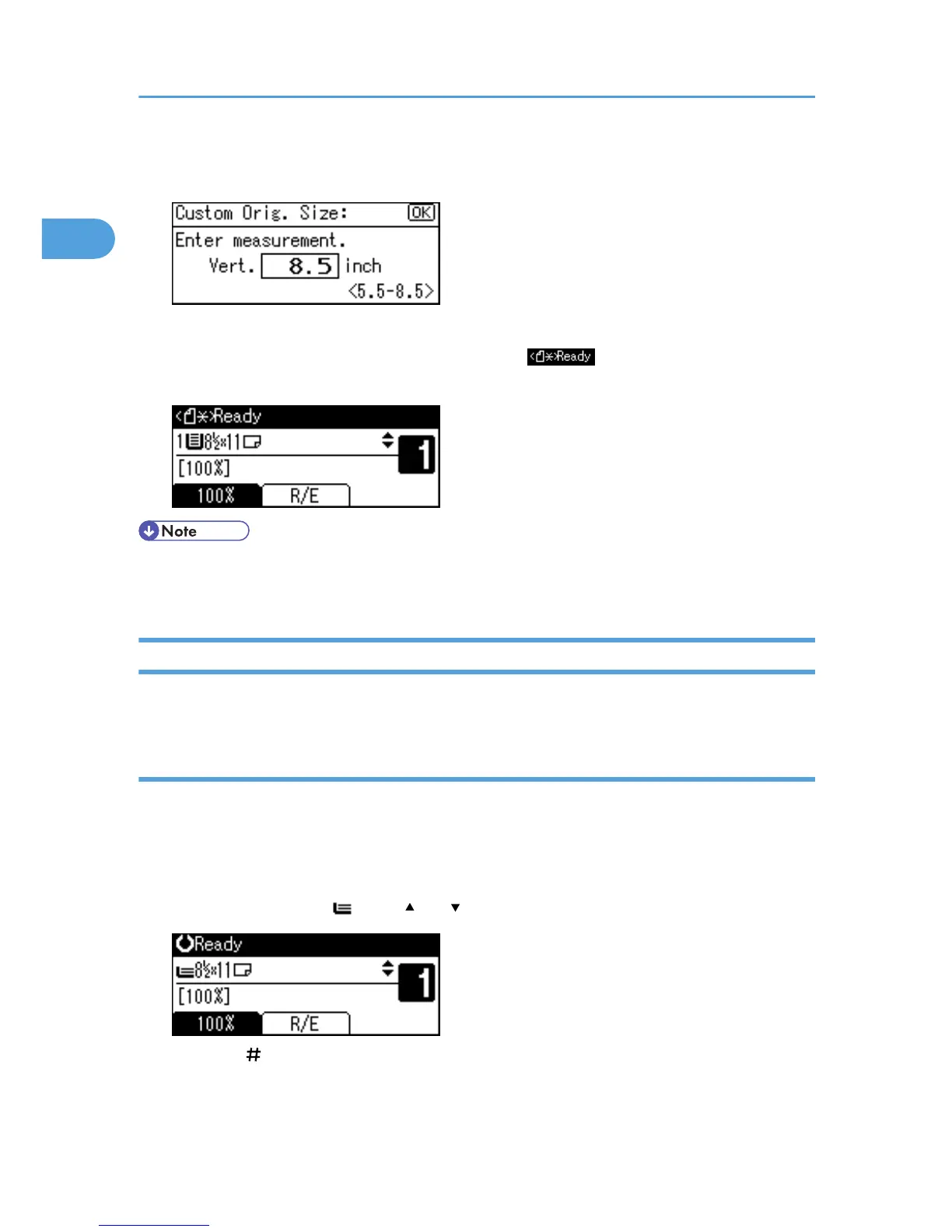
5. Enter the vertical size of the original (Vert.) with the number keys, and then press the [OK]
key.
The "Programmed" message appears.
When the custom size originals settings are registered, appears on the top of the copy
display.
• To change the value you entered, press the [Clear/Stop] key, and then enter a new value.
• To cancel the size you have set, press the [Clear Modes] key.
Specifying Original Size When the Bypass Tray is Selected
You can select either regular or custom for the size of the original when the bypass tray is selected.
Regular sizes
When placing regular size originals on the exposure glass or in the ADF, specify the size of the originals
from the regular sizes shown on the display.
If you do not specify the original size, the machine will make copies on the paper size in the tray selected.
When copy paper size and original size differ, you need to specify the original size as follows:
1. Select the bypass tray using [ ] or [ ].
2. Press the [ ] key.
1. Placing Originals
20



 To Next Page