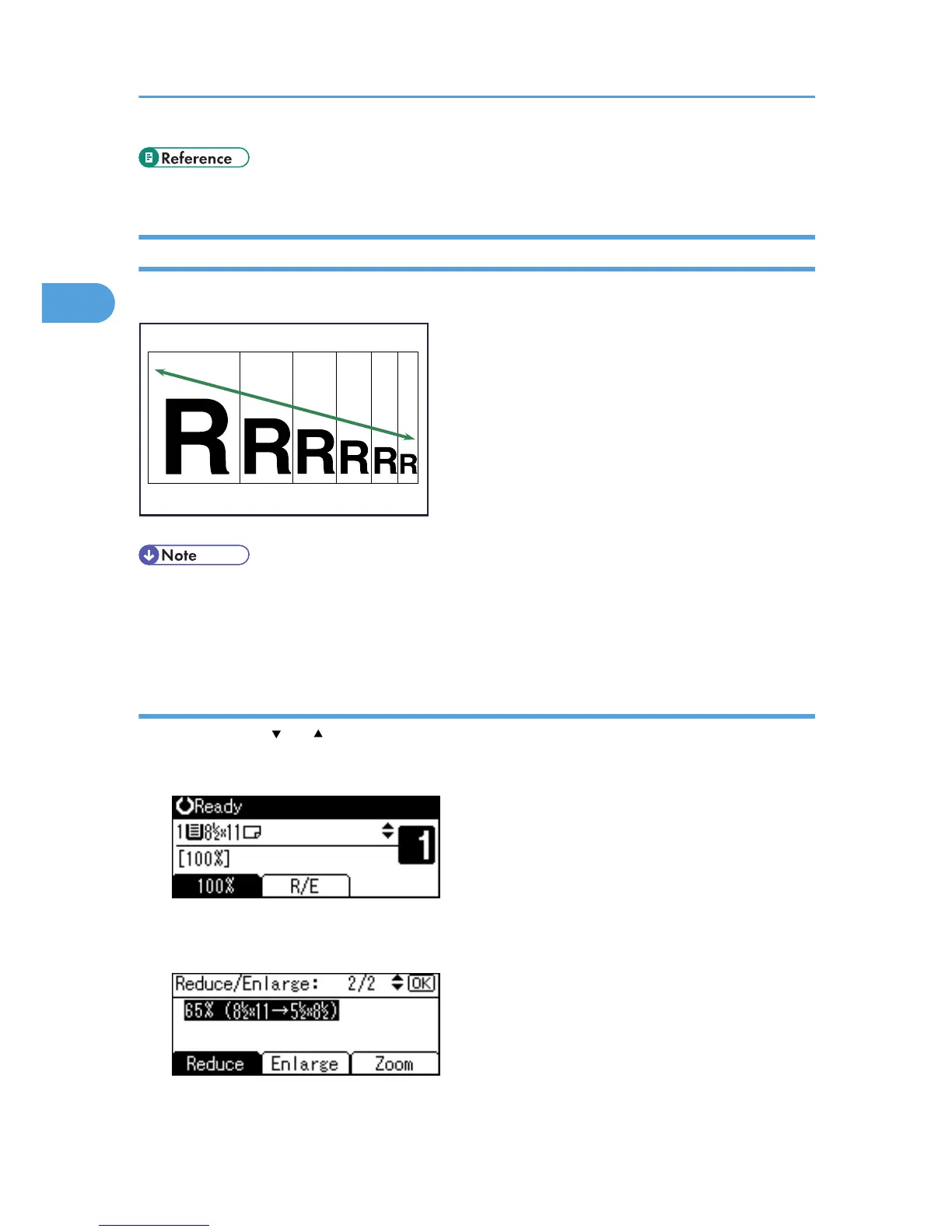
• The reproduction ratios you can specify are 50 - 200%.
• You can select a ratio regardless of the size of an original or copy paper. With some ratios, parts of
the image might not be copied or margins will appear on copies.
Selecting a ratio using the scroll keys
Select a ratio using [ ] or [ ].
1. Press [R/E].
2. Press [Reduce] or [Enlarge], and then select a preset ratio which is close to the desired ratio.
3. Press [Zoom].
2. Copying
40



 To Next Page