5. Select the paper size, if required.
6. Place the originals, and then press the [Start] key.
7. When the copy job is finished, press the [Clear Modes] key to clear the settings.
• Printing on thick paper may be slower than printing on plain paper.
• To prevent multiple sheets from being fed at once, fan paper before placing it on the tray.
Copying onto Envelopes
When copying onto envelopes, specify the paper type and paper size.
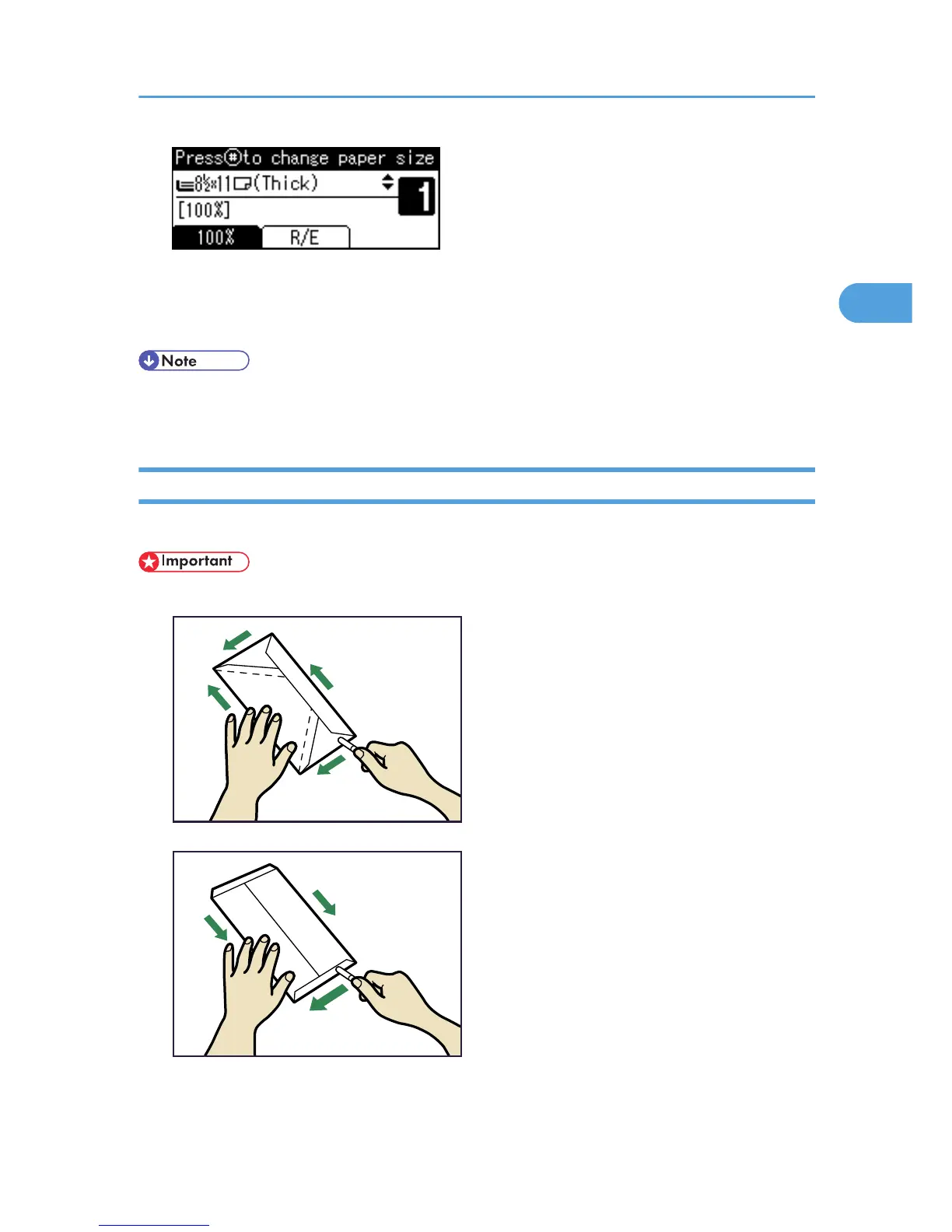
• Before loading envelopes, use a pen or similar to flatten their edges.



 To Next Page