Combined Copying
This section describes how to make combined copies.
• When placing originals on the exposure glass, start with the first page to be copied. When placing
originals in the ADF, set the first page on top.
• When placing originals on the exposure glass, press the [ ] key after all the originals have been
scanned.
• In this mode, the machine selects the reproduction ratio automatically. This reproduction ratio depends
on copy paper sizes and the number of originals.
• The reproduction ratios selectable by the machine are 50-200%.
• If the calculated ratio is under the minimum ratio, it is automatically adjusted to within available range.
However, with some ratios, parts of the image might not be copied.
• You cannot use custom size paper.
• If the orientation of originals is different from that of the copy paper, the machine will automatically
rotate the image by 90° to make copies properly.
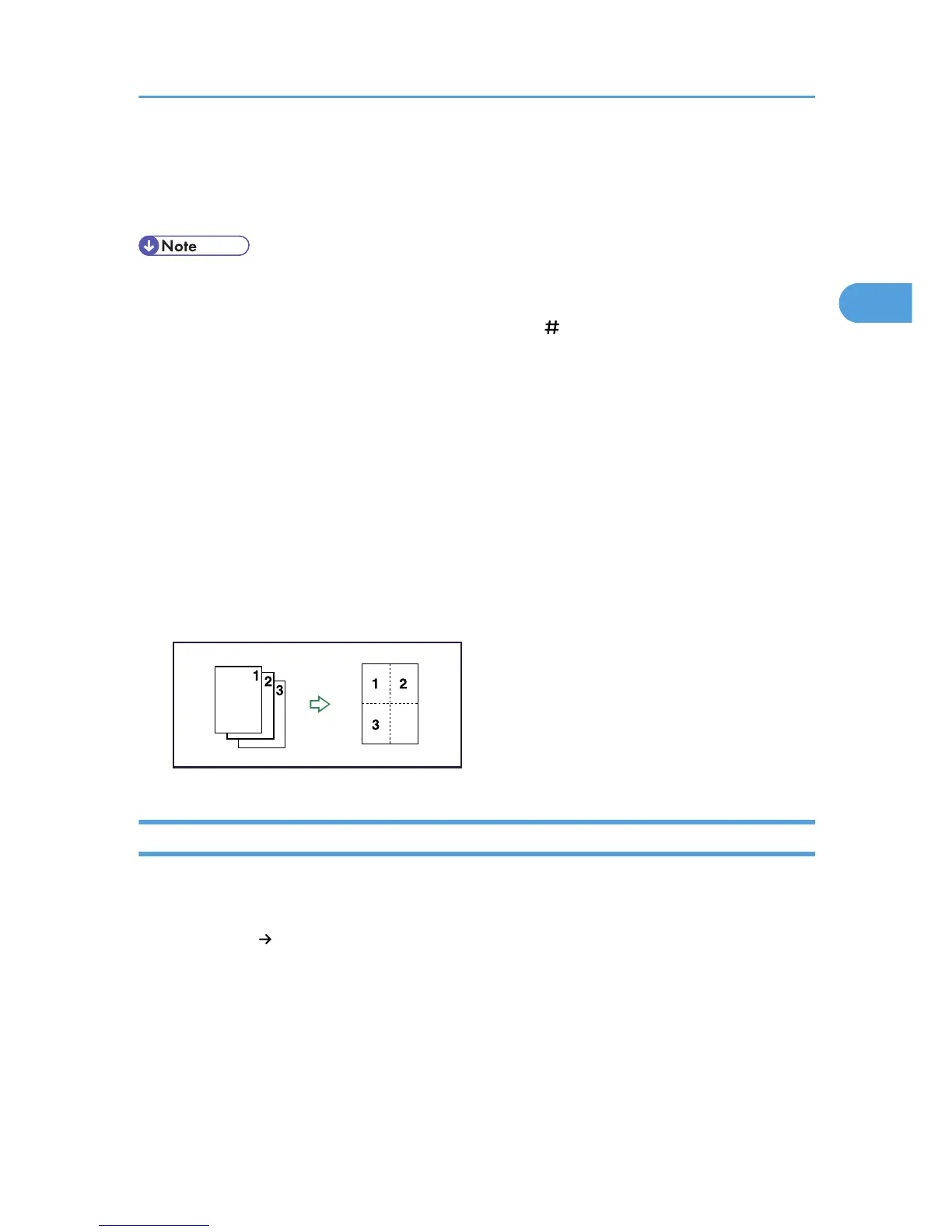
• If the number of originals placed is less than the number specified for combining, the last page segment
is left blank as shown.
One-Sided Combine
Combines several pages onto one side of a sheet.
There are four types of One-Sided Combine.
1 Sided 2 Pages Combine 1 Side
Copies two 1-sided originals to one side of a sheet.
Combined Copying
47



 To Next Page