Selecting the Original Type
Select an original type that is suitable for your originals.
There are three original types available:
Text
Select this mode when your originals contain only text (no pictures).
Photo
Delicate tones of photographs and pictures can be reproduced with this mode.
• When copying developed photographs
• When copying photographs or pictures that are printed on paper (e.g. magazines)
• When copying originals generated by color copiers
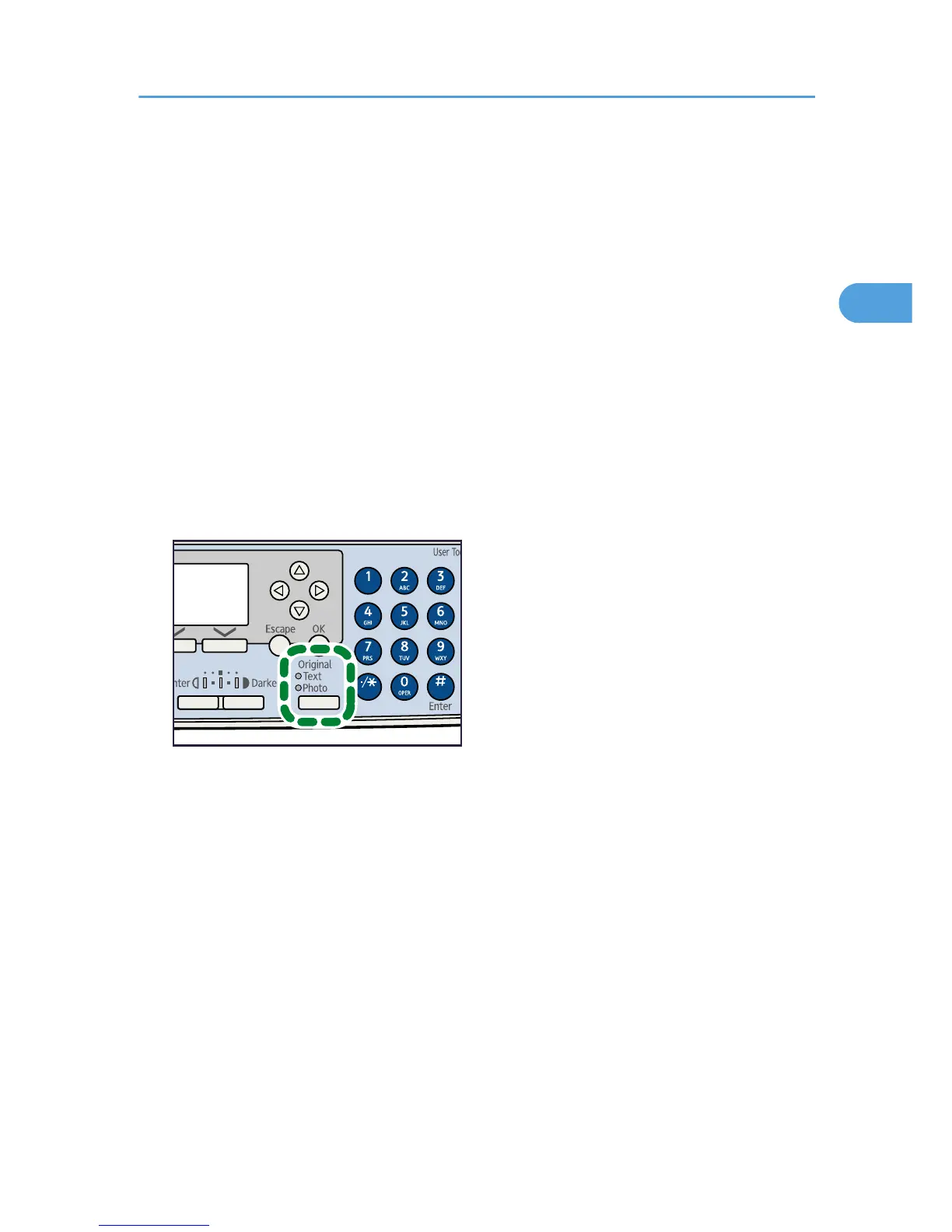
1. Press the [Original Type] key to select the original type.
The indicator of the selected original type goes on.



 To Next Page