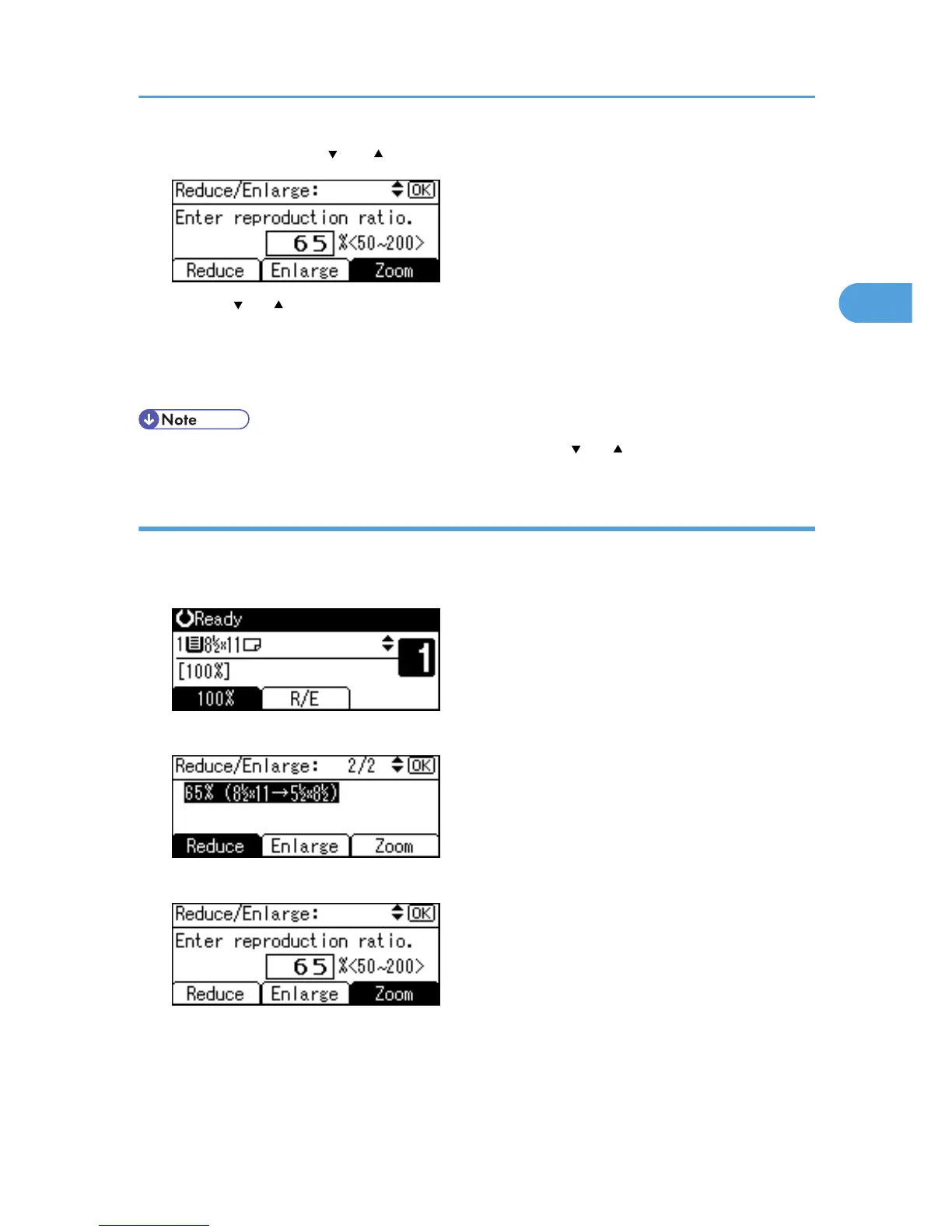
4. Specify a ratio using [ ] or [ ], and then press the [OK] key.
Pressing [ ] or [ ] changes the ratio in increments of 1%. Pressing and holding down the relevant key
changes the ratio in increments of 10%.
The "Programmed" message appears.
5. Place the original, and then press the [Start] key.
• To change the value you specified in step 3, readjust it using [ ] or [ ].
Entering a ratio using the number keys
Select a ratio using the number keys.
1. Press [R/E].
2. Press [Zoom].
3. Enter the desired ratio with the number keys, and then press the [OK] key.
The "Programmed" message appears.
4. Place the original, and then press the [Start] key.
Reducing or Enlarging Originals
41



 To Next Page