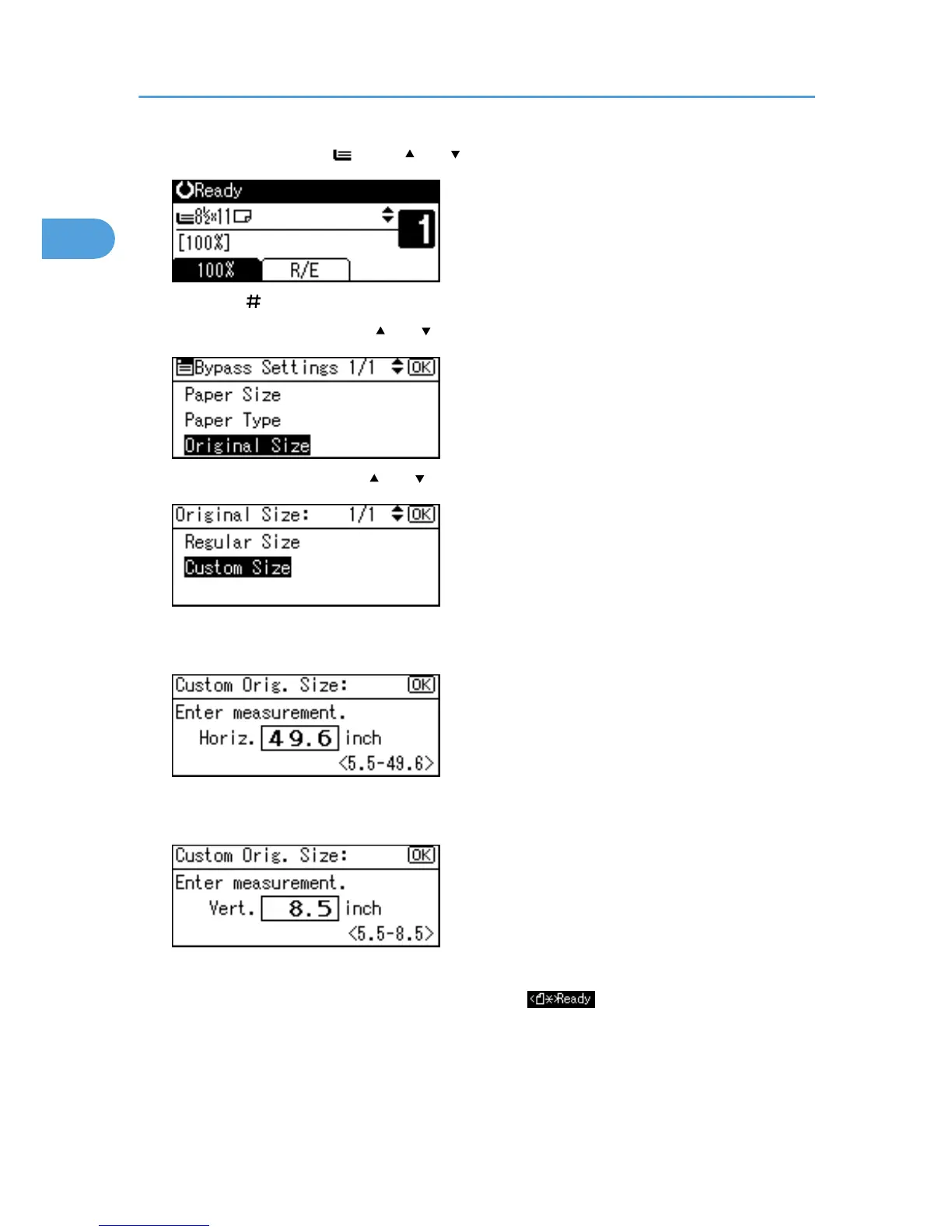
1. Select the bypass tray using [ ] or [ ].
2. Press the [ ] key.
3. Select [Original Size] using [ ] or [ ], and then press the [OK] key.
4. Select [Custom Size] using [ ] or [ ], and then press the [OK] key.
5. Enter the horizontal size of the original (Horiz.) with the number keys, and then press the
[OK] key.
6. Enter the vertical size of the original (Vert.) with the number keys, and then press the [OK]
key.
The "Programmed" message appears.
When the custom size originals settings are registered, appears on the top of the copy
display.
1. Placing Originals
22



 To Next Page