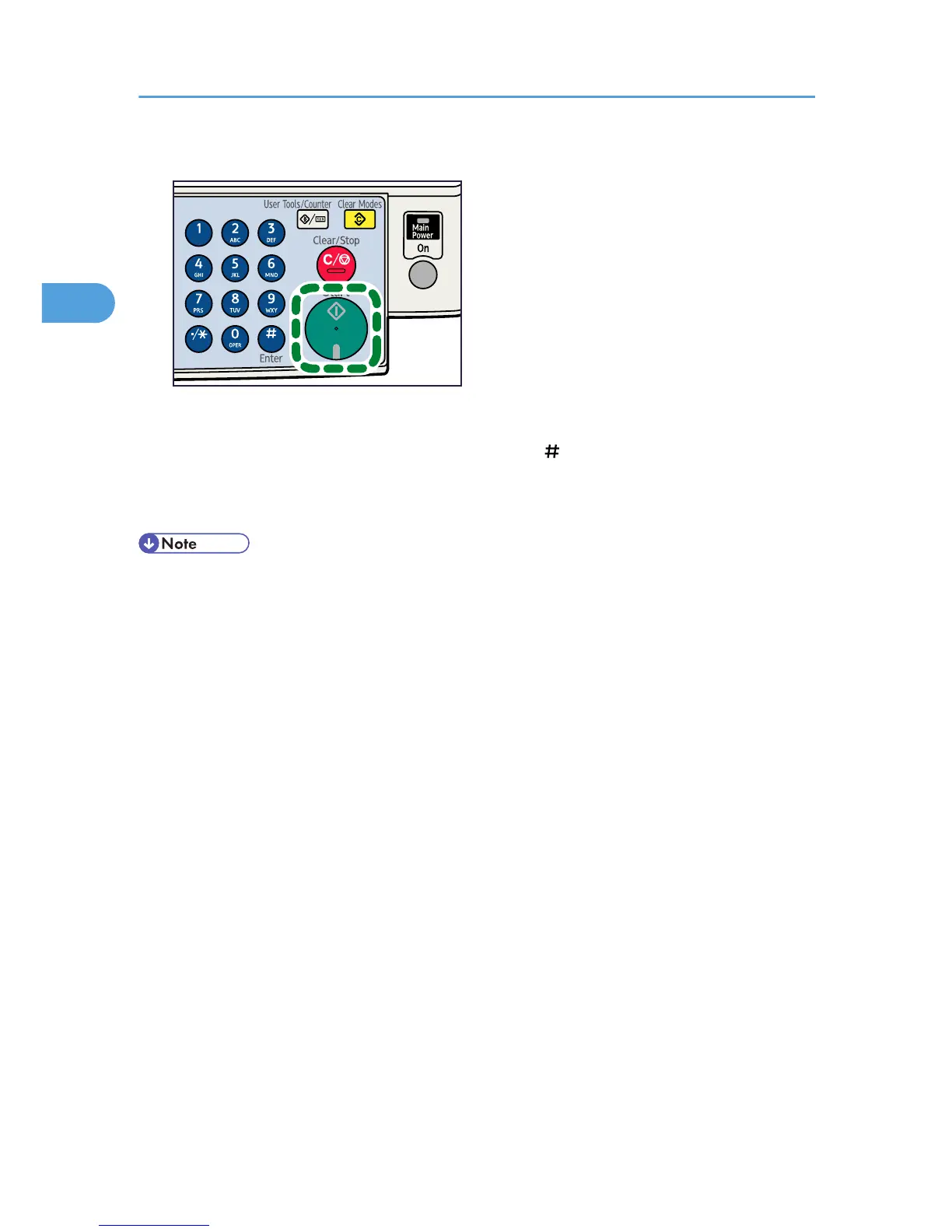
The machine starts copying.
When placing originals on the exposure glass, press the [ ] key after all originals are scanned.
Copies are delivered face down.
7. When the copy job is finished, press the [Clear Modes] key to clear the settings.
• Always log off when you have finished using the machine to prevent unauthorized users from using
the machine.
• To stop the machine during a multi-copy run, press the [Clear/Stop] key.
• To cancel all copy functions and return the machine to the default condition, press the [Clear Modes]
key.
• To clear entered values, press the [Clear/Stop] key.
• To switch between pages or selectable functions, press the scroll keys.
2. Copying
26



 To Next Page