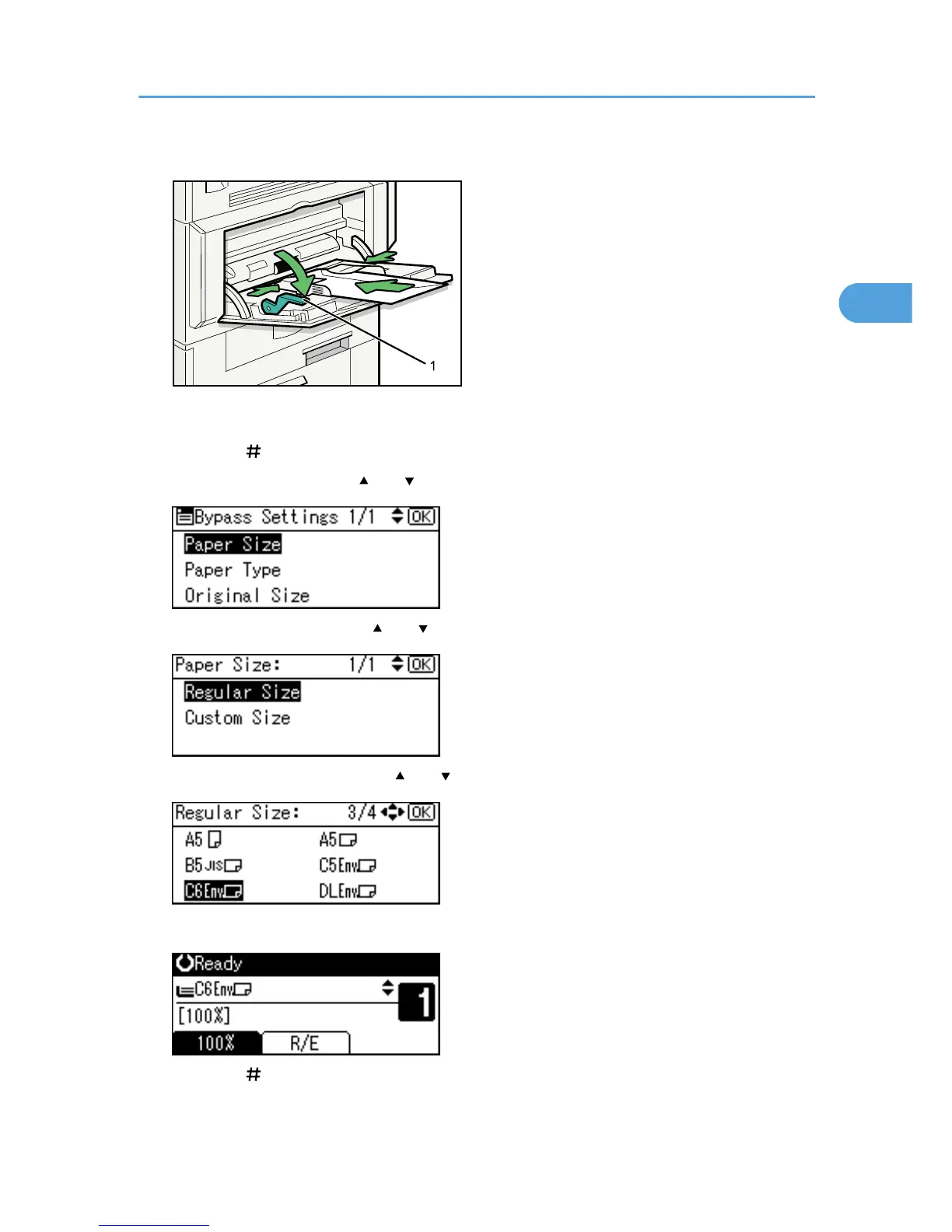
1. Release lever
2. Press the [
] key.
3. Select [Paper Size] using [ ] or [ ], and then press the [OK] key.
4. Select [Regular Size] using [ ] or [ ], and then press the [OK] key.
5. Select the envelope size using [ ] or [ ], and then press the [OK] key.
The "Programmed" message appears.
6. Press the [ ] key.
Copying from the Bypass Tray
35



 To Next Page