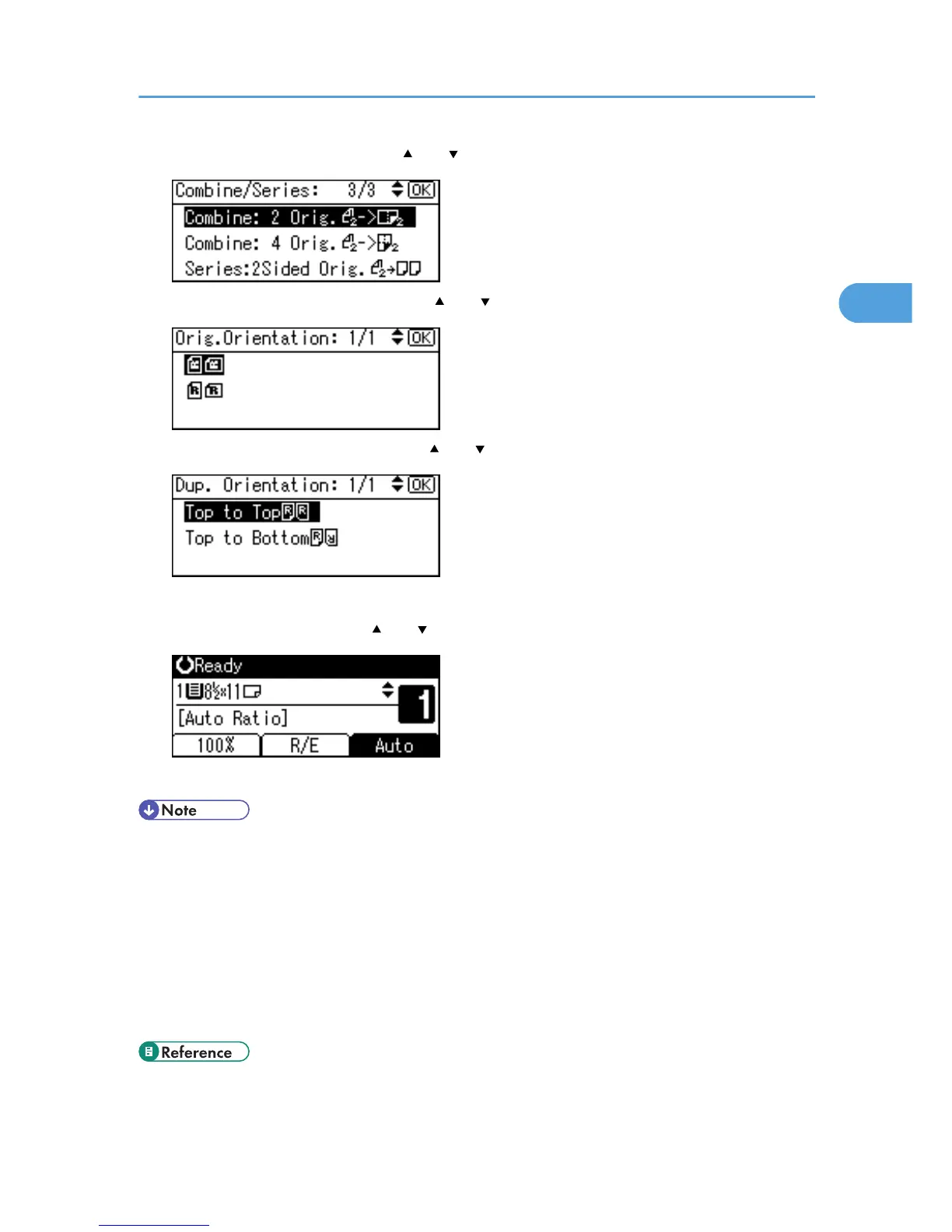
2. Select the combine mode using [ ] or [ ], and then press the [OK] key.
3. Select the original orientation using [ ] or [ ], and then press the [OK] key.
4. Select the duplex orientation using [ ] or [ ], and then press the [OK] key.
The "Programmed" message appears.
5. Select the paper size using [ ] or [ ], and then press the [OK] key.
6. Place the originals, and then press the [Start] key.
• To cancel the Two-Sided Combine function in step 1, press the [Combine/Series] key again. Make
sure the indicator goes off.
• If you set a binding margin that is too wide, parts of the image may not be copied.
• When making copies using the Combine function, a binding margin is added to copies after the
images are combined.
• To display the screens in steps 3 and 4, select [Always Specify] for [Orientation] with Copier Features
in User Tools. If [Do not Specify] is selected, proceed to step 5. For details about Orientation, see
“User Tools Menu”.
• p.63 "User Tools Menu"
Combined Copying
53



 To Next Page