1.Replacement and Adjustment
26
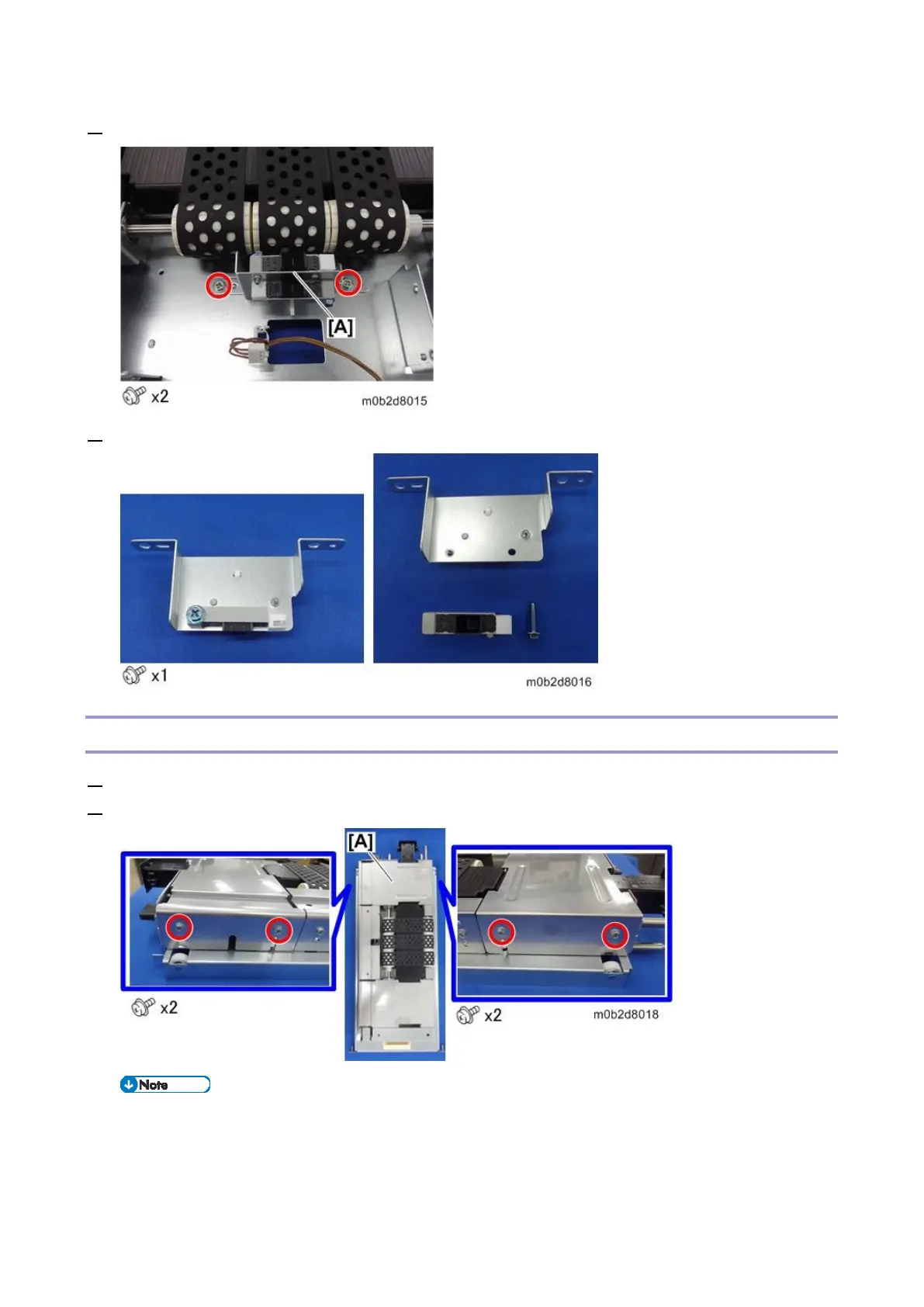
4. Remove the sensor bracket [A].
5. Remove paper end sensor 2 from the sensor bracket.
Suction Fan Shutter Solenoid
1. Remove the paper feed belt unit (Paper Feed Belt Unit)
2. Remove the guide plate [A] on the duct side.
The position of the suction fan shutter solenoid [A]



 To Next Page