1.Replacement and Adjustment
59
Side Fan
1. Remove the side fence (Side Fences (Front, Rear))
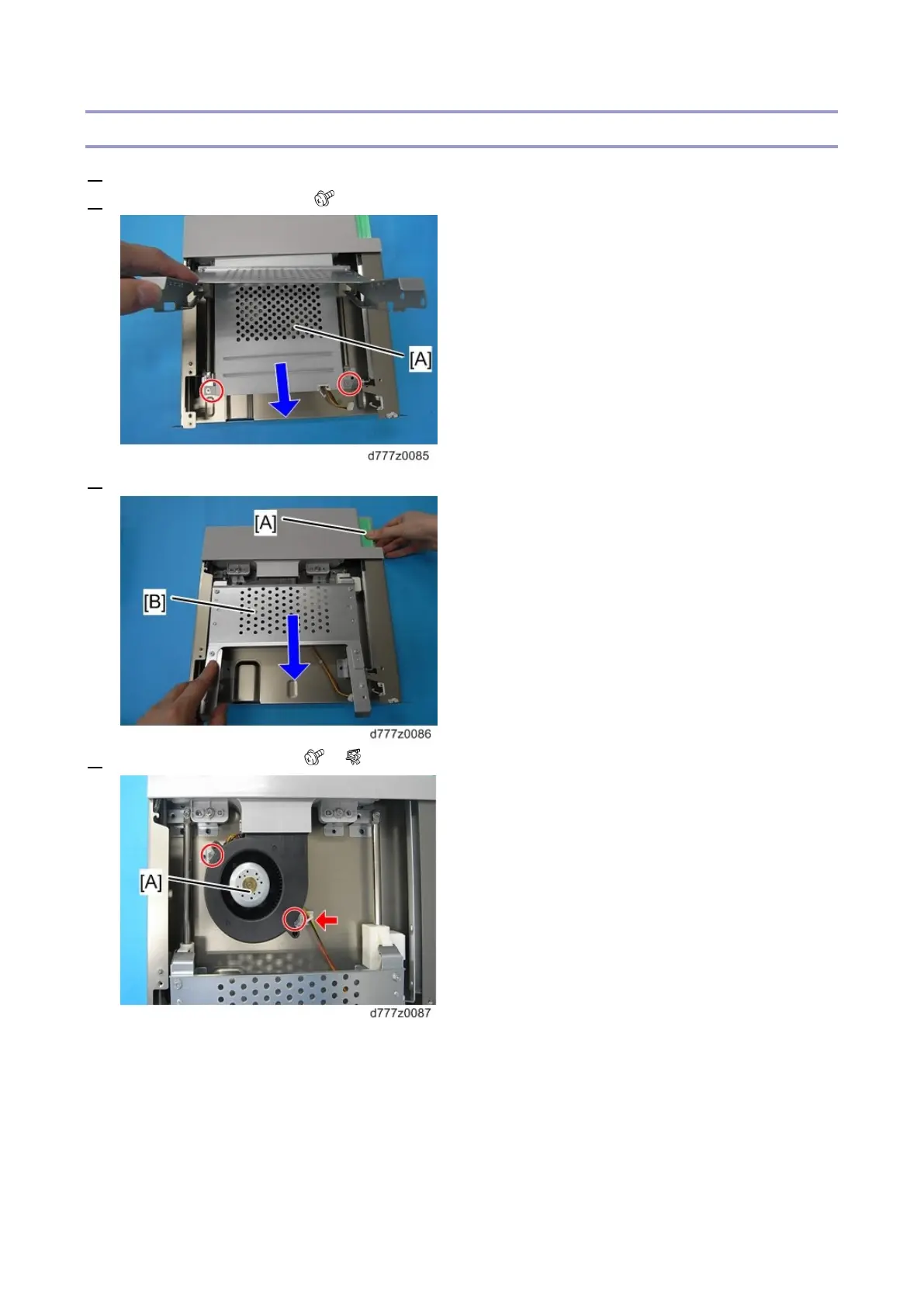
2. Remove the fan cover [A] ( x2)
3. Hold down the lock lever [A] and lower the plate [B] in the direction of the arrow.
4. Remove the side fan [A] ( x2, x1)



 To Next Page