Table 1: Networker NC-6 Functions (Cont’d)
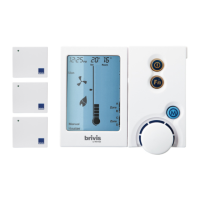
The NC-6 LCD Display Screen
• Displays information about the system. The screen shows the current time via a Digital Clock in the top left corner, the Day of the Week on the left-hand
side, and the type of appliance selected at the bottom
• The display will also show scrolling messages across the top of the screen, which can display some of the appliance’s operational states
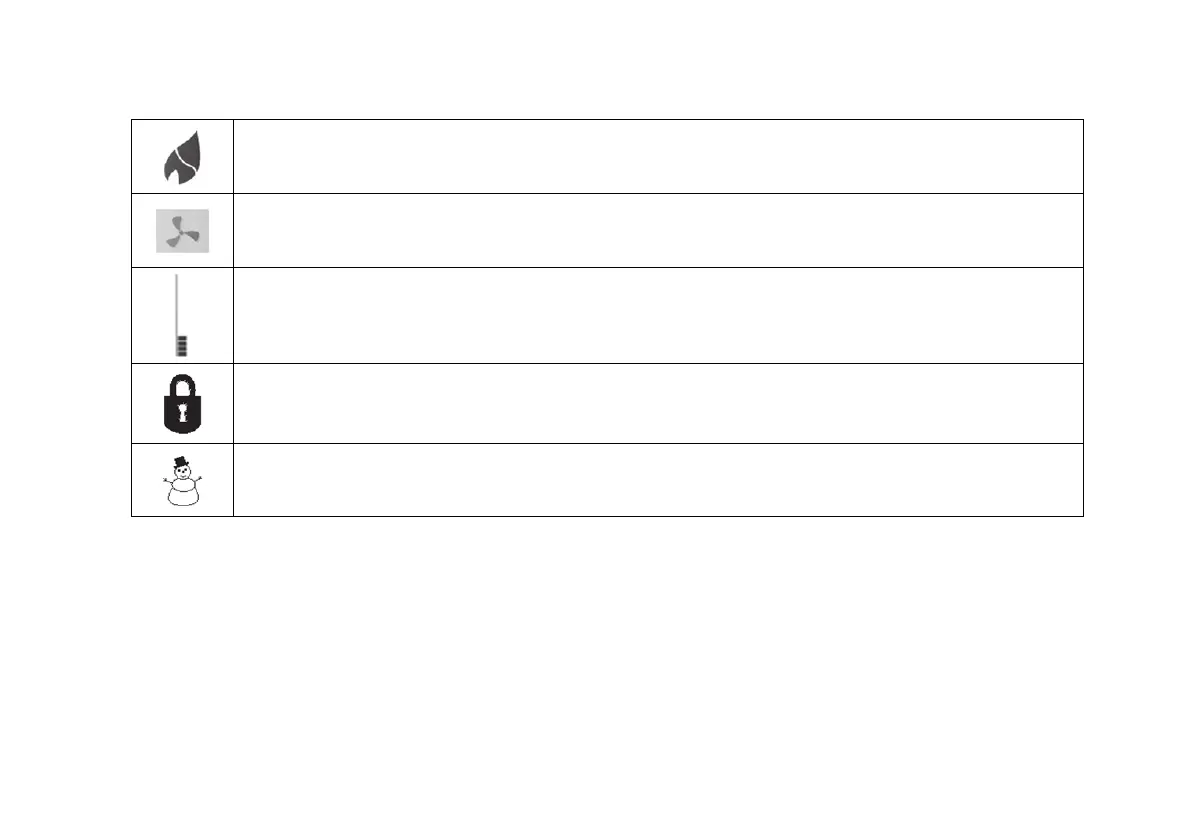
The flame symbol will appear on the display when the heater is switched on. This symbol will flash during cool down
at the end of the heating cycle
The fan symbol will appear on the display when the heater is switched on. This symbol will flash during cool down at the end of the heating
cycle.
The thermometer on the display registers the current room temperature. Beside it is a small marker which indicates the
temperature that the heater is currently set to maintain
When the child-proof lock has been set, a padlock will appear on the screen. For more information, refer to the section on
Locking the Networker.
Snowman Symbol – Dual Comfort systems only (Add-On Air Conditioning)
The snowman symbol indicates the refrigeration compressor is running. A flashing snowman indicates the compressor is in a
safeguard time off period


 To Next Page