1.3 The Comfort Schedule
NC-6 Networker Controllers and NT-1 Remote Temperature
Sensors are programmed from factory with a default “Comfort
Schedule” times and temperatures detailed in Table 3.
In MTSP systems the “Comfort Schedule” settings for each
zone sensor is unique, i.e. four zones require four Comfort
Schedules. This provides you with ultimate flexibility, allowing you
to vary your Periods, Times and Temperatures for each zone.
In STSP systems the “Comfort Schedule” operates within the
same Period, time and temperature setting for all zones; i.e. up to
four zones will require one Comfort Schedule, with zones
activated or deactivated as required.
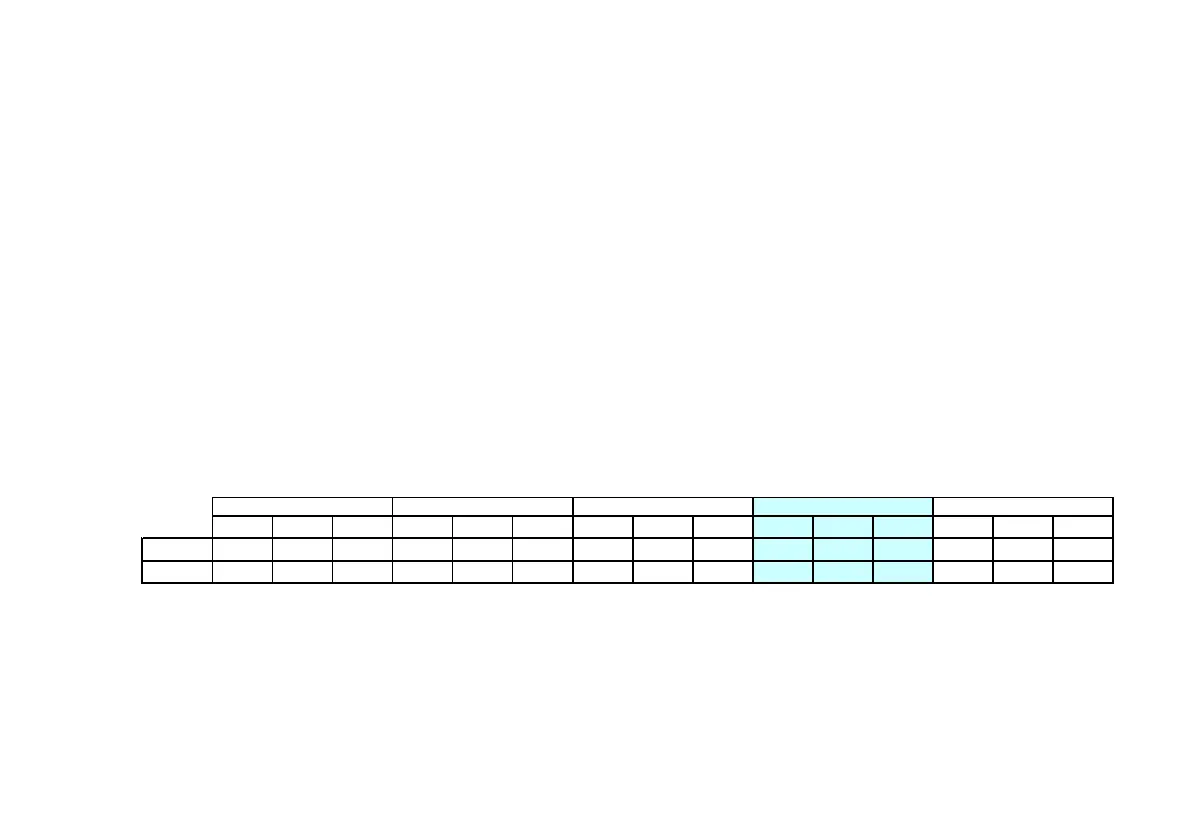
Table 3. Default Comfort Schedule Times and Temperatures
Use the templates located in the Appendix to customize your
personal “Comfort Schedule”.
First you need to decide what time you want each of the Periods to
begin for the Day Block selected, i.e. the “Wake” Period for Monday
to Friday. For MTSP systems this time can vary for all zones while for
STSP systems there can only be one time for all zones.
Second, select the desired Heating temperatures for winter operation.
Then select the Time and Temperatures for each of the remaining
Periods and days as required.
You may also program your Refrigerated Cooling (if fitted) “Comfort
Schedule”.
• Refer to Table 3 for the default Comfort Schedule
• Refer to Table 4 for an example of a MTSP Comfort Schedule
• Refer to Table 5 for an example of a STSP Comfort Schedule
Time
Heat° Cool°
Time
Heat° Cool°
Time
Heat° Cool°
Time
Heat° Cool°
Time
Heat° Cool°
Mon - Fri 6.00 20 20 9.00 -- -- 4.00 20 20 9.30 20 20 10.00 -- --
Sat - Sun 6.00 20 20 9.00 -- -- 4.00 20 20 9.30 20 20 10.00 -- --


 To Next Page