Utility Software Guides
RISO-MONITOR features
28
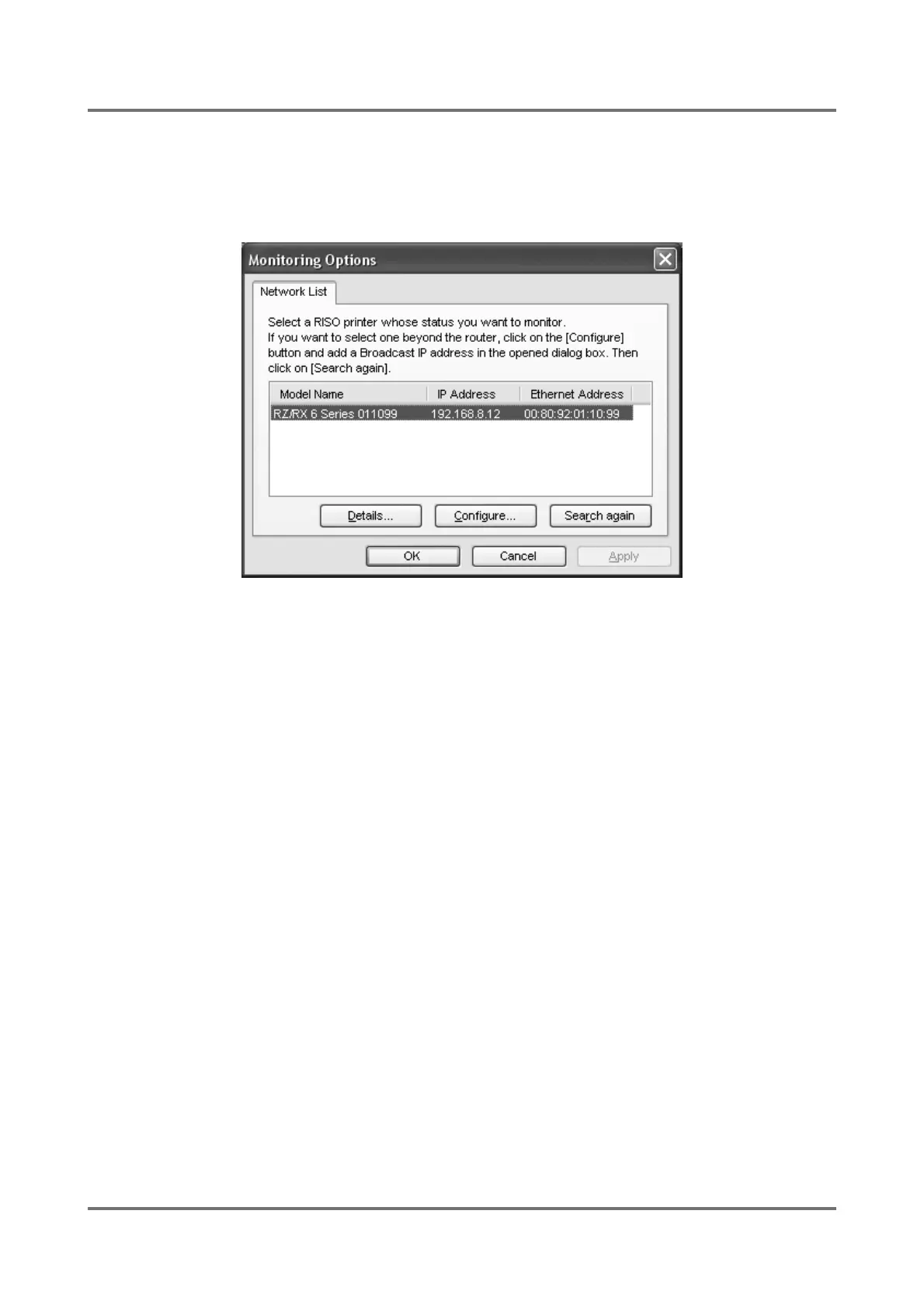
[Monitoring Options] dialog box
You can change the configuration of RISO-MONITOR in this dialog box. Click on the [Options] button in the [RISO-
MONITOR] window to open this dialog box. To confirm the new configuration specified here, click on the [OK] or
[Apply] button.
Select a RISO printer whose status you wish to monitor, and click on the [Details] button. For more information on
the [Details] window, see the explanations in the following pages.
If you want to select a RISO printer which is connected to another network than the current one, i.e. beyond the router
on the current network, click on the [Configure] button and specify the Broadcast IP address corresponding to the
desired other network in the opened dialog box. (See )p.19.)
Then click on the [Search again] button in this tab. The RISO printers on the selected different network will also be
displayed in the list box here.



 To Next Page