59
14.2. Obtaining information about the LED light source by mobile phone
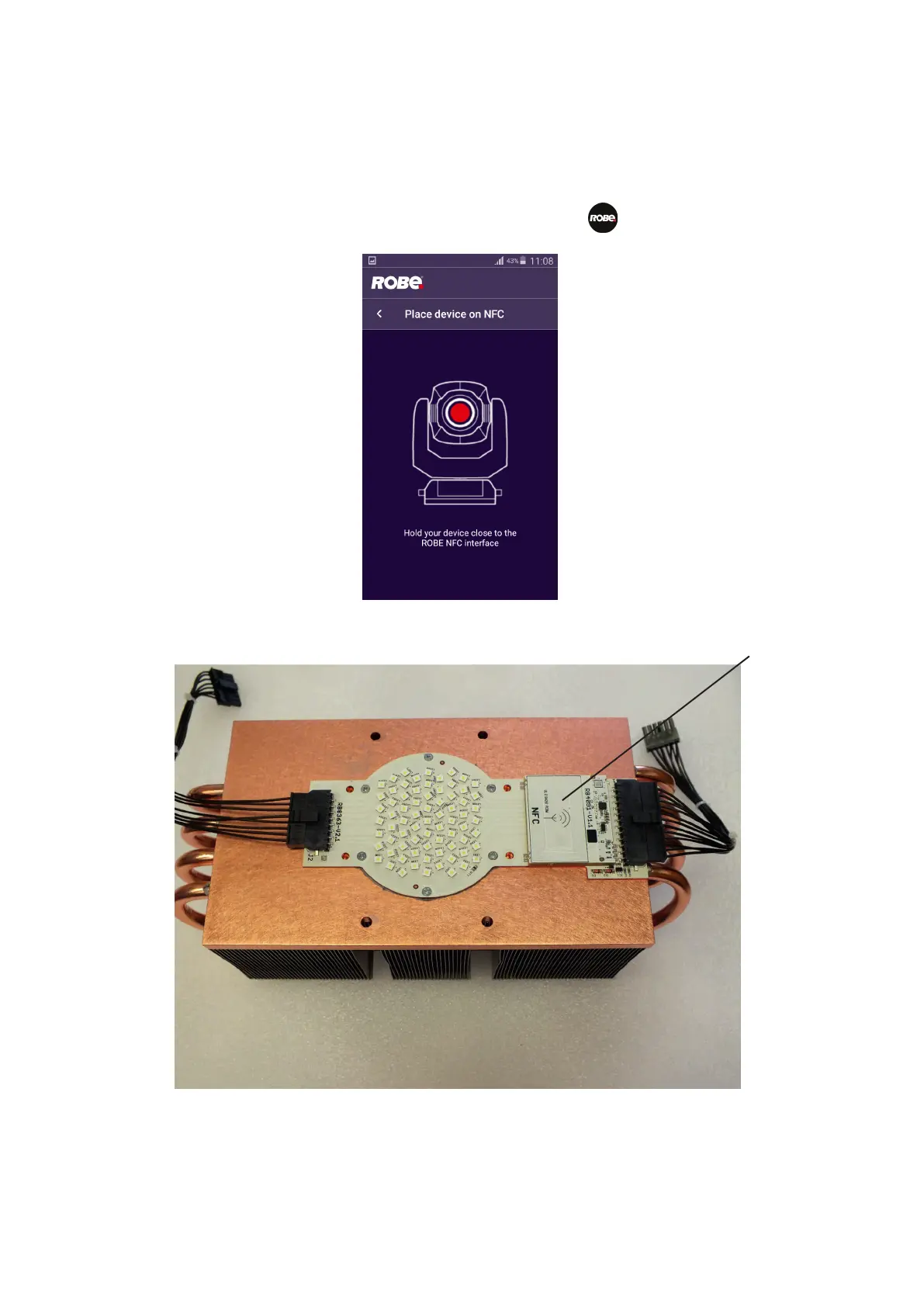
You can read information about the LED light source by means of the mobile application ROBE COM. The LED
light source has to be outside of the xture.
Download and install the application ROBE COM from Google Play (for Android 5.0 and higher) or App Store (for
iOS 12.0 and higher) to your mobile phone. Your mobile phone has to support NFC (Near-Field Communication).
After installing the ROBE COM, run the application by touching the icon .
The following screen will appear:
Hold the mobile phone close to the point of the LED light source PCB which is marked with the symbol NFC.















 To Next Page