13
Connectingtoyourcomputernetwork-cont.
There are two indicator lights incorporated into the RJ-45 connector. If you have
problems with your wired connection, they may help you to identify the possible
cause of the problem.
Yellow ON = Link established; OFF = no connection
Green Flashing = Data transfer
If your network does not support automatic conguration or if you wish to set it up
manually then you should select '[Manual cong]' instead of selecting '[Wired]' in the
Network Wizard, then go to page 17.
3. If you plan to use a WiFi connection, you will rst need to identify your network in the
list of network names presented by the Network Wizard. If no networks are found
then you may have to get your wireless router working (please see the instructions
supplied with it) or you may be too far from the router.
When the audio system nds your wireless network, it displays the Network Name
(SSID) for the wireless access point on the screen. This is a name that is allocated to
the access point in your router by the person who set up the network - for example:
'Jones family' or 'Paul's network'. Routers supplied by Internet Service Providers
often have the default name of the WiFi network provided on a label or card for
easy reference (e.g. BTHub-1234, virginmedia1234567). If the router supports WiFi
Protected Setup, then '[WPS]' will be shown in front of the SSID.
It is possible, and in some locations highly likely, that your audio system will nd
more than one wireless network, in which case you should choose which one you
need to connect to.
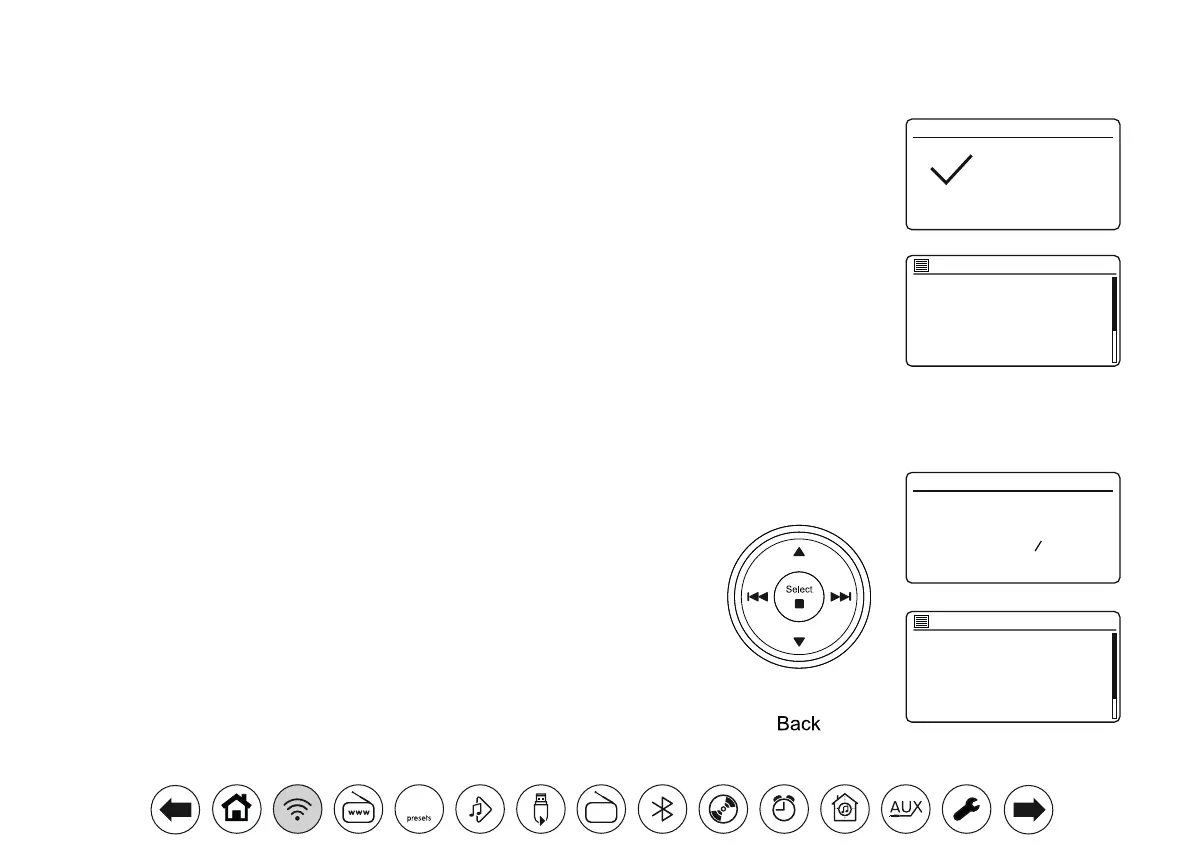
4. Press Menu Up or Down to see the SSID for each wireless network that has been
found. If your network is shown proceed to step 6 on the next page. If it is not shown
then proceed to step 5, also on the next page.
If you make a mistake at any point, use the Back button to go back to the previous
screen.
Network settings
Network wizard
Scanning...
Jones family
[WPS] Paul’s network
Smith
Brown
[Rescan]
[Wired]
SSID
Setup wizard
Setup wizard
completed
Press ‘SELECT’ to exit
Internet radio
DAB
FM
Music player
Spotify
Deezer
Main menu
DAB
30



 To Next Page