58
CD/MP3/WMA.
Display modes
Your audio system has a range of display options when in MP3 / WMA CD mode.
Note that not all information may be available for all les. Press the Info button
to cycle through the different options.
CD
12:34
F01 T002 00:30
Filename:03__IT_.MP3
Browse
System settings
Main menu
CD
BrowseCDles
Alternatively when playing MP3 and WMA CD les there is a browse option
in the Menu.
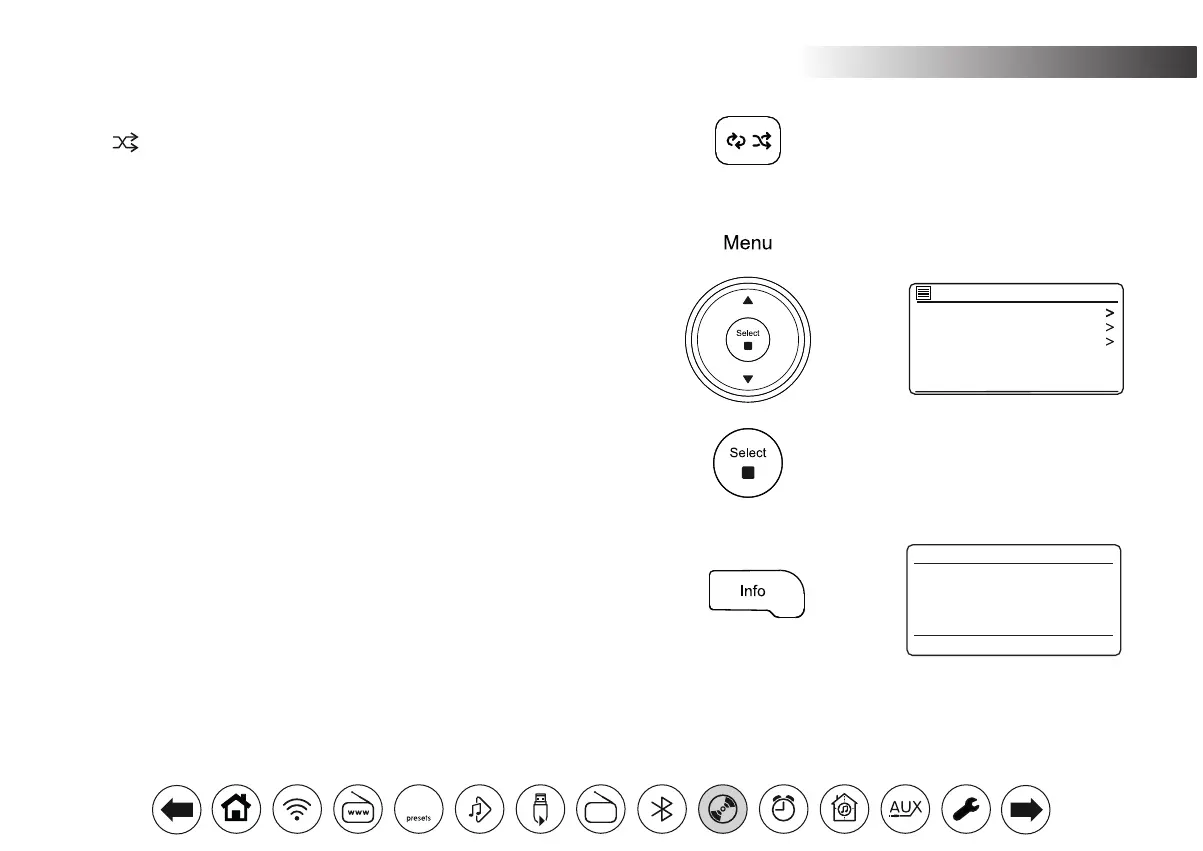
1. Press Menu to access the CD browse option.
2. Press Menu Up or Down to select the desired folder or le.
3. Press Select to begin playing from the highlighted le.
Shufetracks
1. While the CD is playing, press the Shufe button until the shufe symbol
( ) appears in the display. The tracks will be shufed. To cancel the
shufe function, press the Shufe button as needed.
DAB
30



 To Next Page