gf13
13
Manual Robin SlimLine ENG - v. 1.0.0
Windows users:
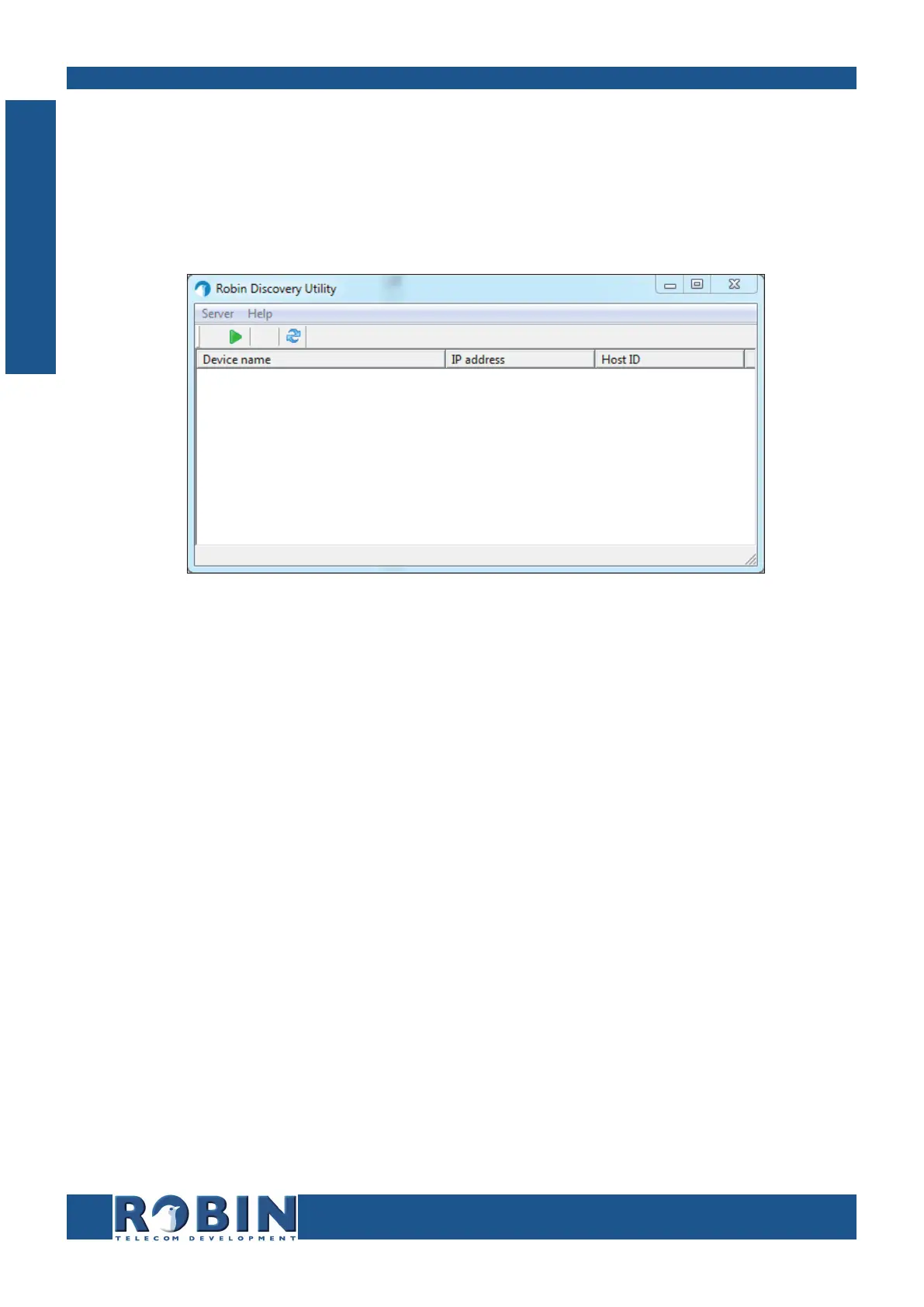
Copy the ‘Robin Discovery Utility’ software to a PC that is connected to the network. Start the
‘Robin Discovery Utility’ software and click the “Play” button. The software will scan for Robin
devices in the network. When a Robin is detected, it is displayed in the list. Double-click on the
detected Robin you would like to configure; the web interface for the selected Robin will show.
Mac / Linux users:
Enter the IP address of the Robin in the address bar of the web browser that is installed on your PC
in order to access the web interface.
The Robin can now be configured via the web interface (see Chapter 5, Configuration).
S
System Installation



 To Next Page