gf24
24
Manual Robin SlimLine ENG - v. 1.0.0
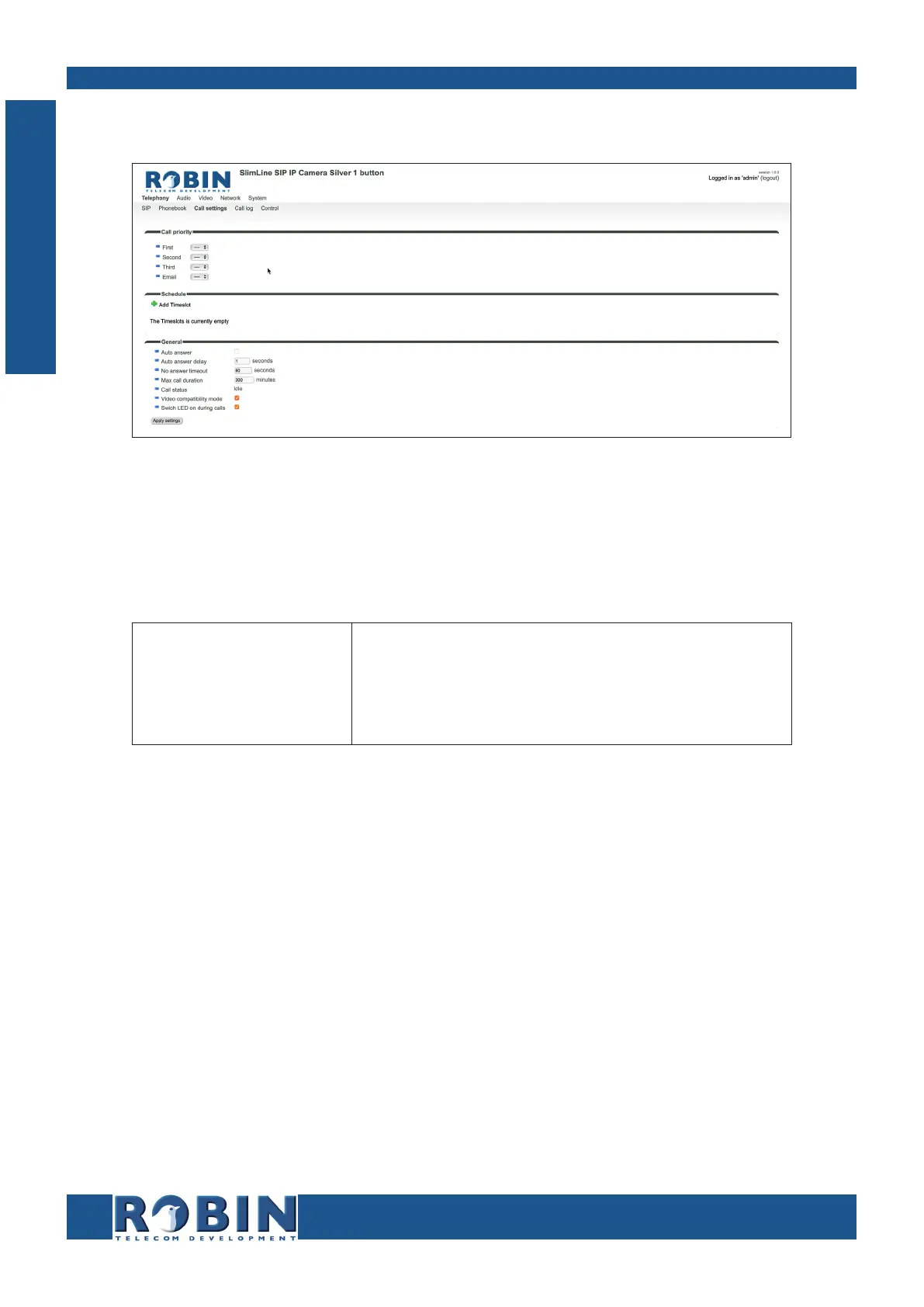
5.2.1.4 Telephony / Call settings
Call priority:
The Robin can dial up to three numbers in a set sequence. If the first number is engaged or
not answering* it will continue wit the second number. If the second number is engaged or not
answering it will continue wit the third number.
First
Second
Third
Select the first number to dial
Select the second number to dial
Select the third number to dial
* Change the duration in -Telephony-Call settings-General- using the ‘No answer timeout’ option.
C
Configuration



 To Next Page