gf25
25
Manual Robin SlimLine ENG - v. 1.0.0
Schedules:
The Robin features a ‘Schedule’ function. The schedules can be defined in the menu -System-
Schedules-.
This function allows you to set multiple timeslots: e.g. office hours, lunch break, etc. Consequently,
during the lunch break the Robin can be set to dial a different telephone number from that
configured for normal working hours.
The timeslots are not prioritised so they must be set consecutively, e.g.:
8:30-12:29 morning -> call reception
12:30-13:00 lunch -> call a mobile phone
13:01-17:00 afternoon -> call reception
! Note: When the ‘Schedule’ function is in use, timeslots take priority over the ‘First, Second and
Third’ settings in -Telephony-Call settings-Call priority-. The intercom checks whether a timeslot is
active based on the current time, if not, it reverts to the settings for ‘First, Second and Third’. !
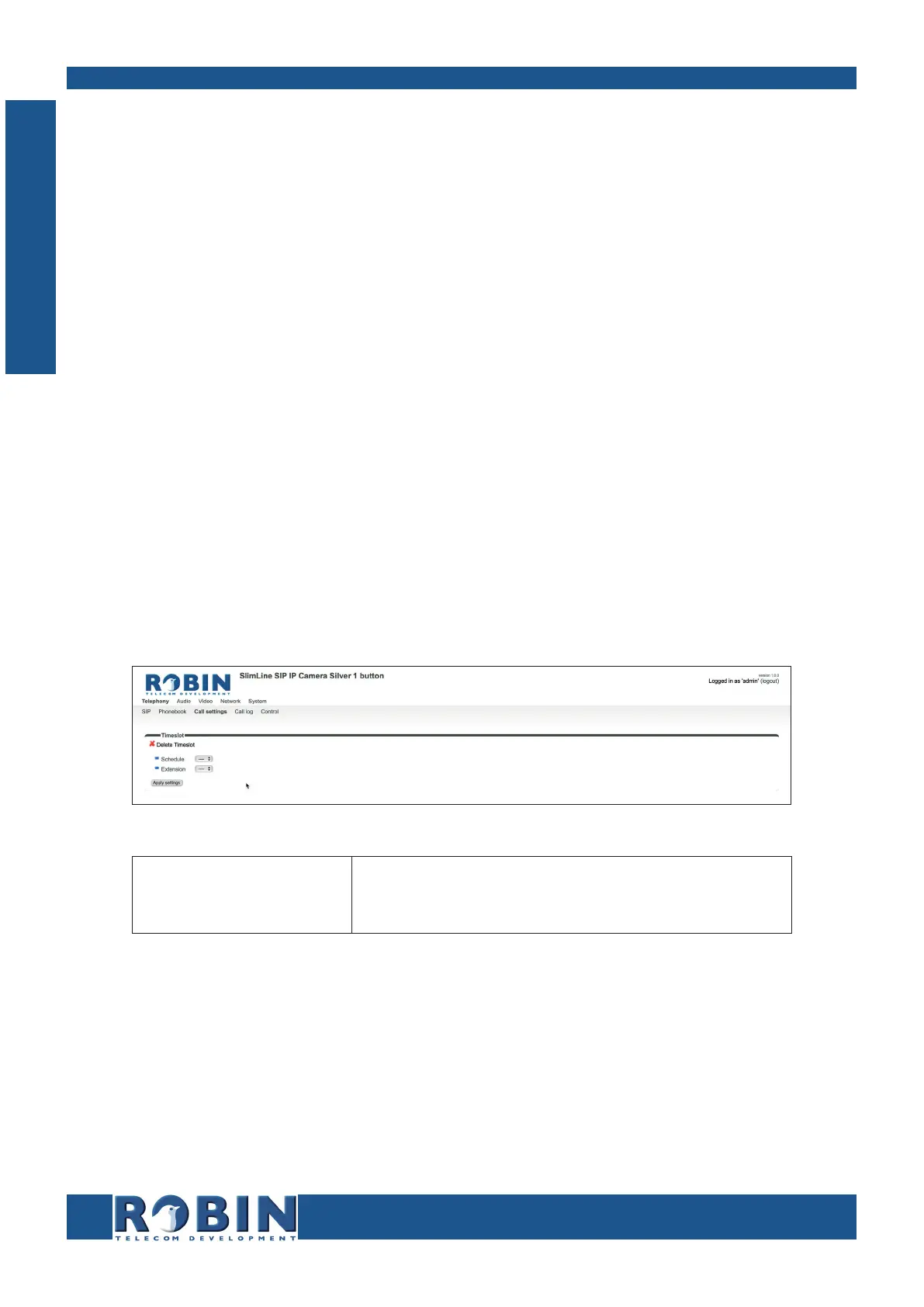
Timeslots:
The green ‘+’ creates a new line.
The ‘>>’ behind a line opens the details for this line.
The red X behind a line deletes the line from the list.
Schedule
Extension
Select the defined schedule
Select the number to dial
C
Configuration



 To Next Page