gf56
56
Manual Robin SlimLine ENG - v. 1.0.0
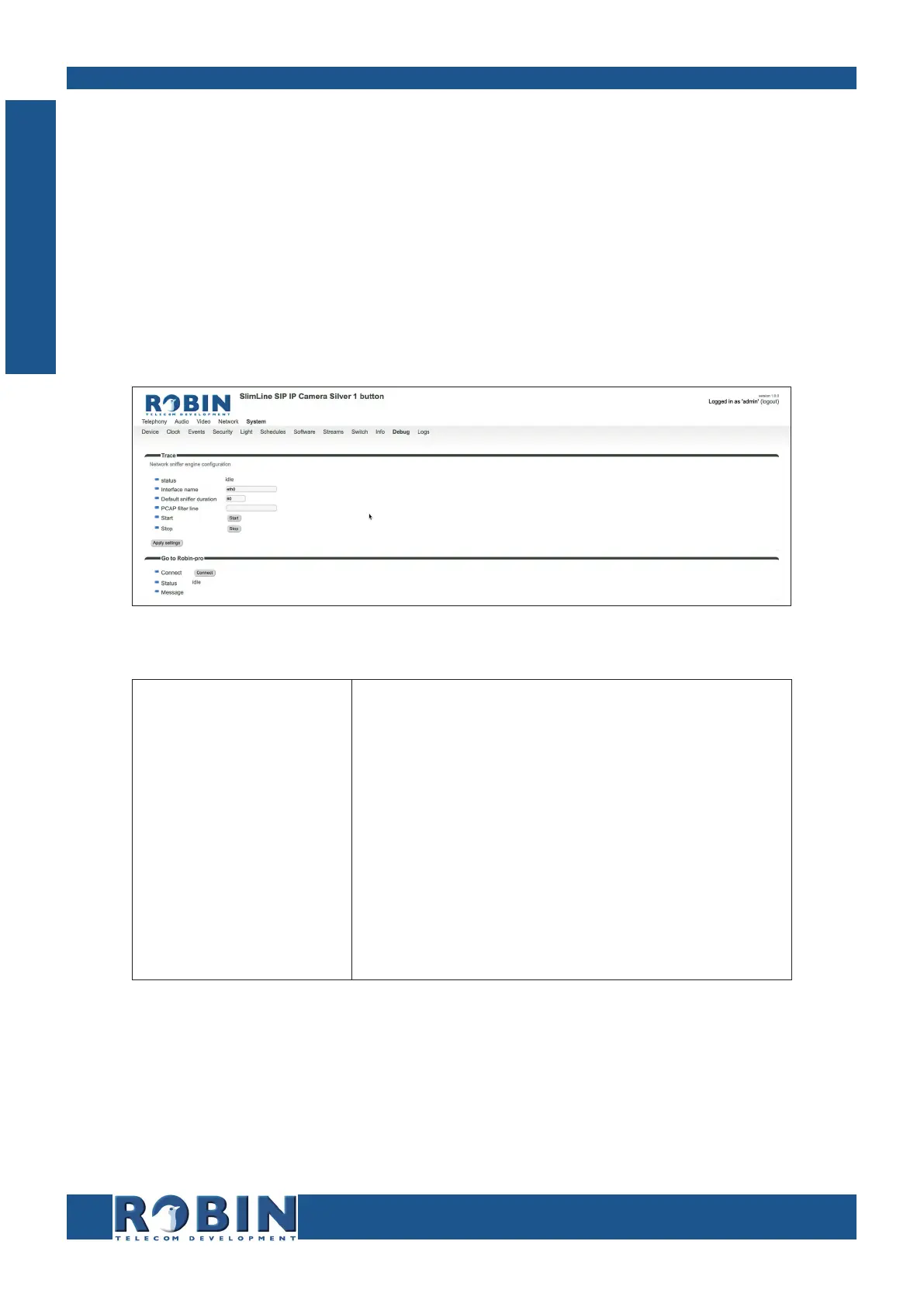
5.2.5.10 System / Debug
The Robin features a built-in ‘Debug’ function. This allows you to create a network trace (pcap-file)
of all the network traffic to and from the Robin. This tool allows for a fast and effective resolution of
problems with the Robin.
The ‘Go to Robin’ function enables remote support for the unit. It connects the unit to the Robin
Telecom Development support server and can be used for remote support.
! Note: Go to Robin will only work after contacting the support department of Robin Telecom
Development. !
Trace:
Status
Interface name
Default sniffer dura-
tion
PCAP filter line
Start
Stop
Shows the status of the trace
The interface for which the trace is created
Set the standard duration of the trace. The trace will
stop automatically
The trace is can be filtered to contain only relevant
network data
Start the trace
Stop the trace
C
Configuration



 To Next Page