gf34
34
Manual Robin SlimLine ENG - v. 1.0.0
5.2.4 Network
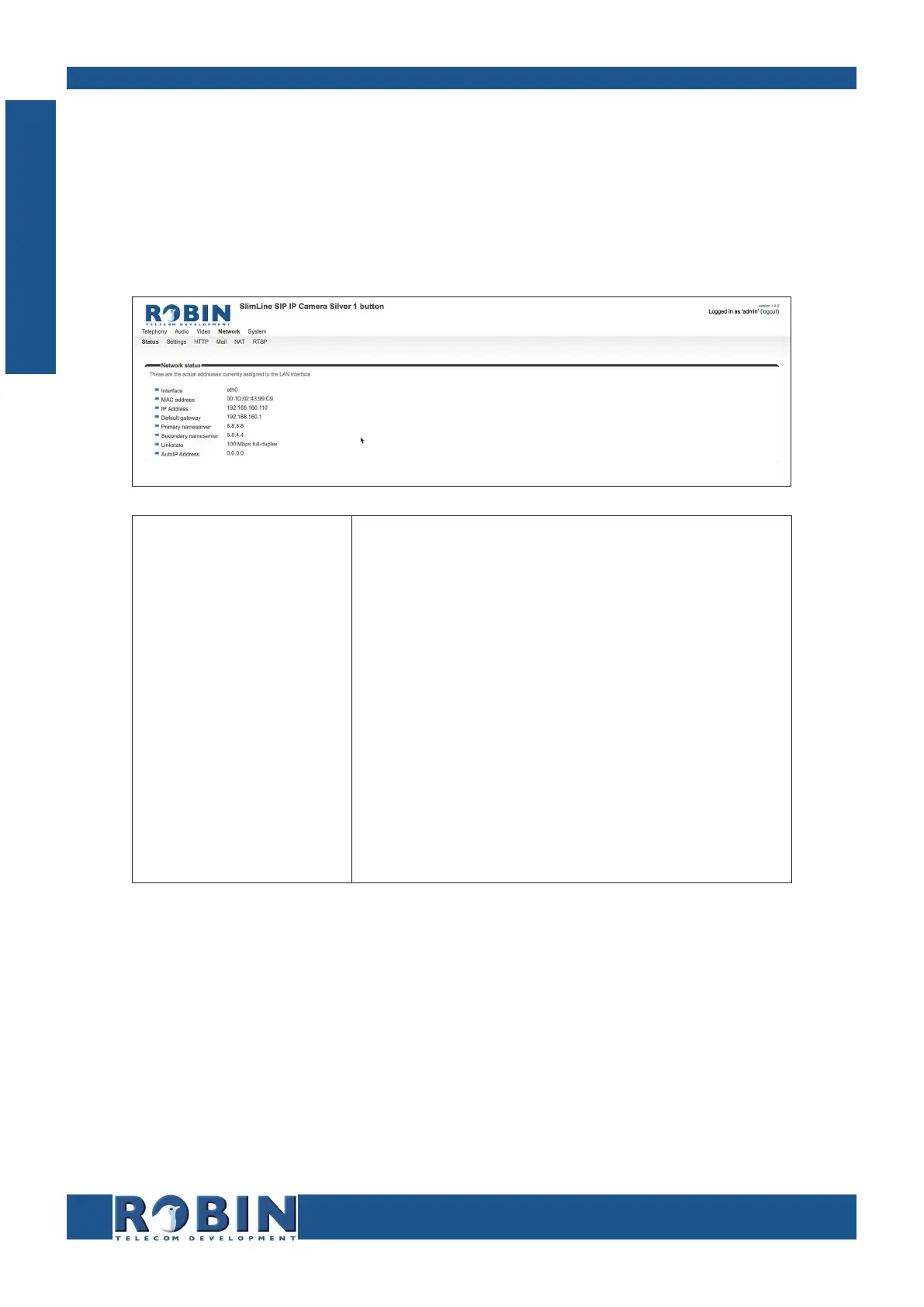
5.2.4.1 Network / Status
Network status shows the current network information.
Network status:
Interface
MAC address
IP address
IP netmask
Default gateway
Primary nameserver
Secondary name-
server
Linkstate
Shows the network interface that is used
Shows the Ethernet MAC address
Shows the IP address
Shows the IP netmask
Shows the IP address for the default gateway
Shows the IP address for the primary DNS
Shows the IP address for the secondary DNS
Shows the speed and status of the Ethernet link
C
Configuration



 To Next Page