gf29
29
Manual Robin SlimLine ENG - v. 1.0.0
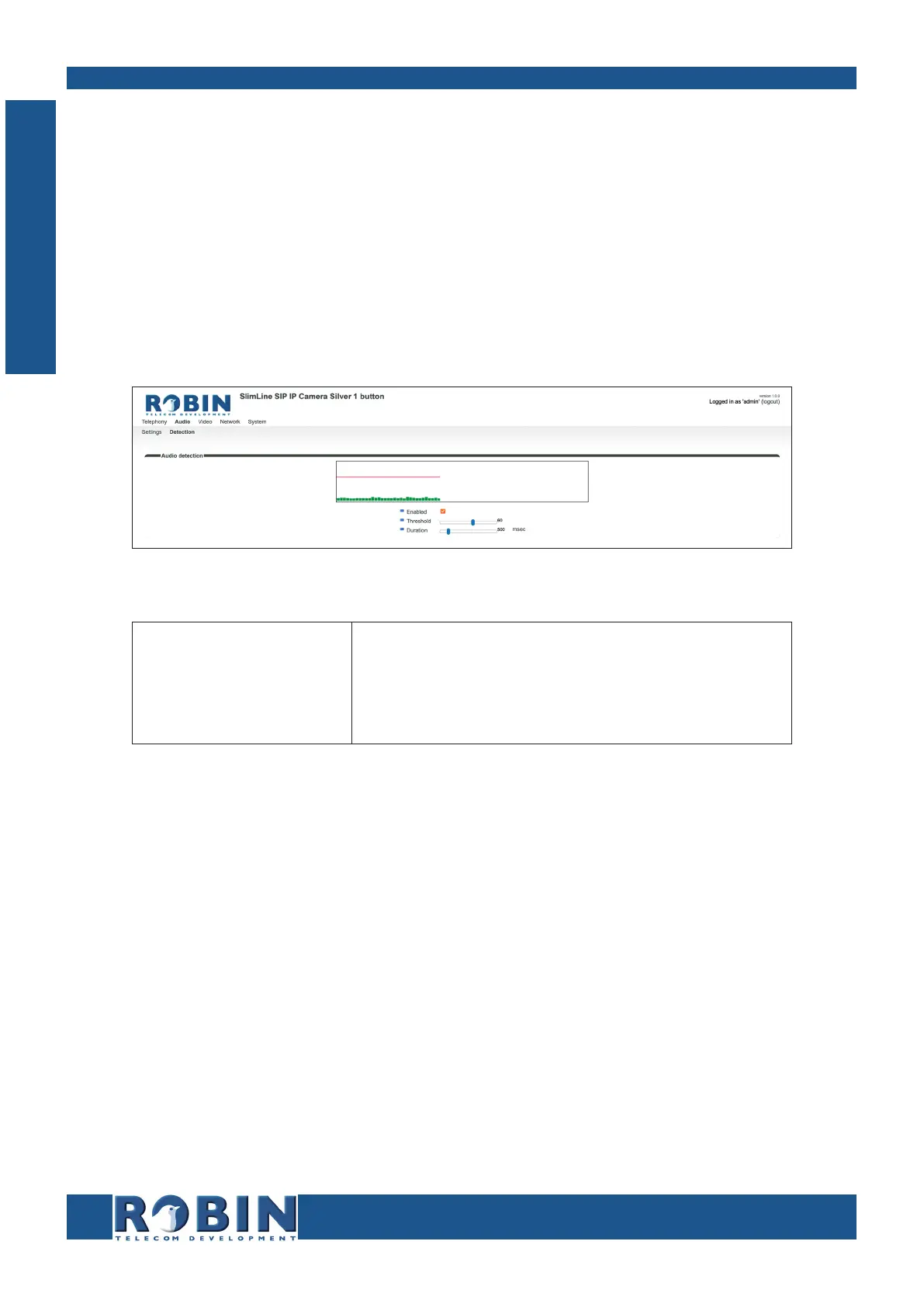
5.2.2.2 Audio / Detection
The Robin is capable of detecting sound through the microphone.
This detection mechanism can trigger ‘Actions’ such as activation of a relay switch or automatic
calling to a phone set. These actions can be defined in the menu -System-Events-.
Depending on the location of the Robin and the type of sound that should trigger the detection, two
parameters can be set: the volume and the duration.
Short audio spikes can be filtered by increasing the duration setting. Background noise can be
filtered by increasing the threshold.
Audio detection:
Enabled
Treshold
Duration
Enable or disable the audio detection
Change the volume threshold of the detection
Change the audio duration of the detection
The colour of the bars is green (= no detection) or red (= detection)
The red line indicates the boundary of the detection area.
C
Configuration



 To Next Page