gf43
43
Manual Robin SlimLine ENG - v. 1.0.0
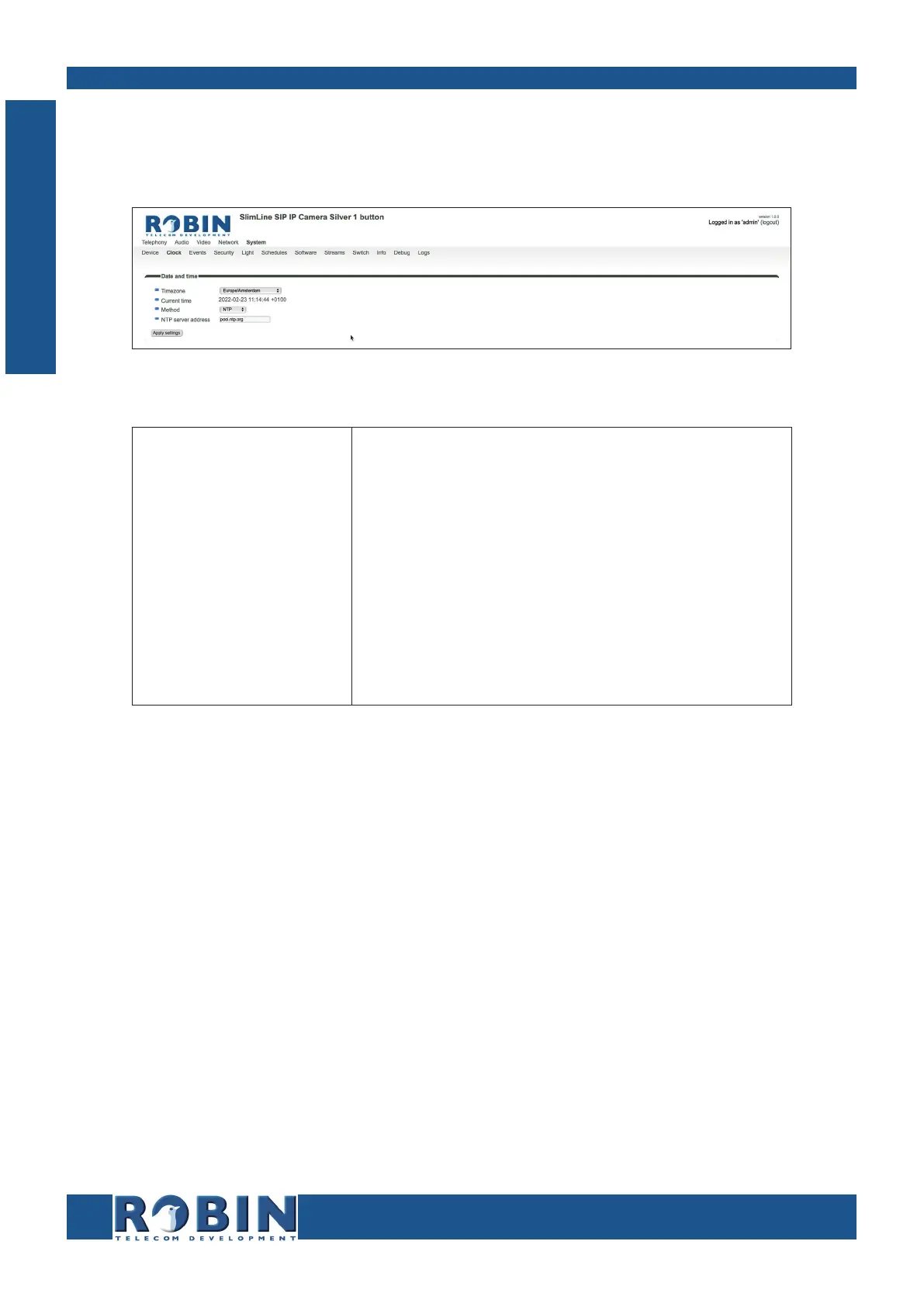
5.2.5.2 System / Clock
Change date and time related settings for the Robin.
Date and time:
Timezone
Current time
Method
NTP server address
NTP status
Set time
Select the right time zone
Shows the current date and time settings
Allows you to choose between manual or automatic
(NTP) time setting
Enter the address or name of the time server here.
Shows the status of the selected time server
Enter the date and time here (manual setting)
! Note: The Robin does not feature a build-in backup battery. Every time the Robin reboots both
the date and time need to be set. By default it will use an NTP server to set the date and time. In
case of a ‘manual’ setting, this has to be done by hand after every reboot. We strongly recommend
the use of an NTP server. !
C
Configuration



 To Next Page