gf27
27
Manual Robin SlimLine ENG - v. 1.0.0
5.2.1.5 Telephony / Call log
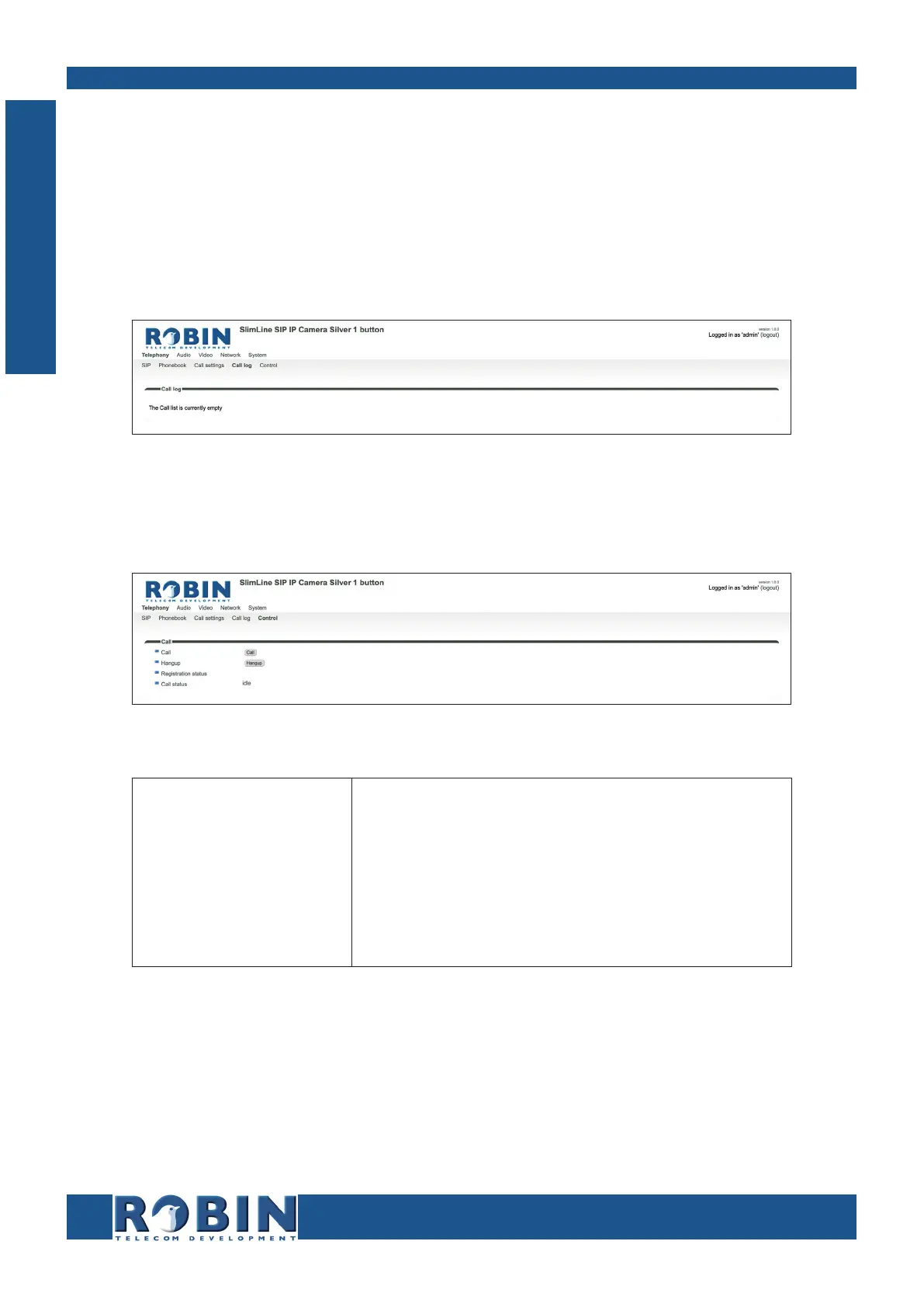
The call log presents an overview of all the call events to and from the Robin.
You can delete the complete log file using the red X alongside the ‘Delete all rows’ label. You can
delete individual log lines by clicking the red X behind the log line in question.
Call log:
5.2.1.6 Telephony / Control
The Control menu allows you to manually initiate and end a call from the Robin.
Call:
Call
Hangup
Registration status
Call status
Initiate a call using the 'Call' button
End a call using the 'Hangup' button
Shows the IP-PBX or VoIP provider registration status
Shows the Robins call status (idle, ringing, con-
nected)
C
Configuration



 To Next Page