gf35
35
Manual Robin SlimLine ENG - v. 1.0.0
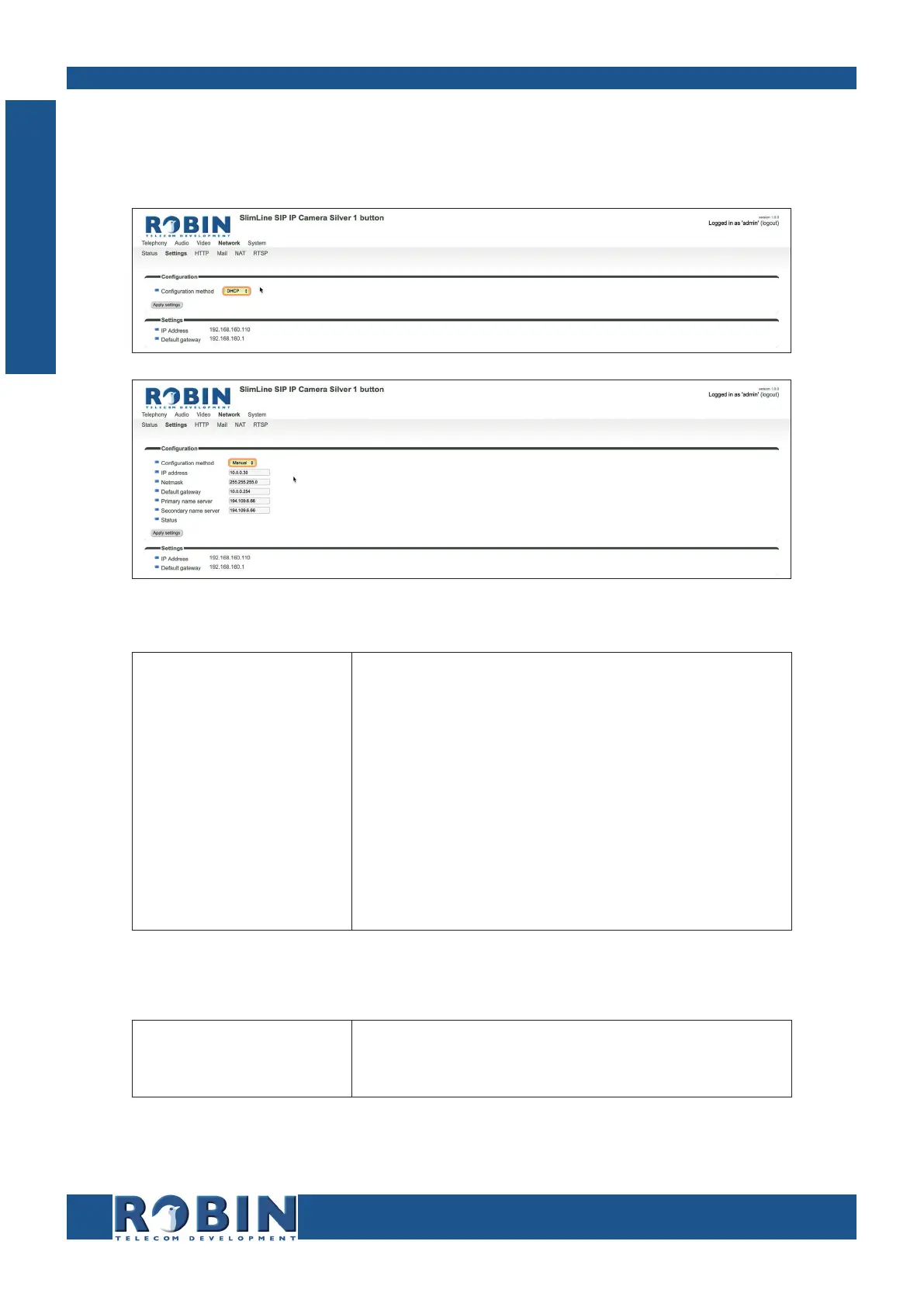
5.2.4.2 Network / Settings
Allows you to change the network settings of the intercom.
Configuration:
Configuration method
IP address
Netmask
Default gateway
Primary name server
Secondary name
server
Select automatic (DHCP) or manual.
Enter the IP address
Enter the IP netmask
Enter the gateway or router address
Enter the IP address for the primary DNS
Enter the IP address for a secondary DNS
Settings:
IP address
Default gateway
Actual IP address
Actual IP address for the default gateway
C
Configuration



 To Next Page