gf37
37
Manual Robin SlimLine ENG - v. 1.0.0
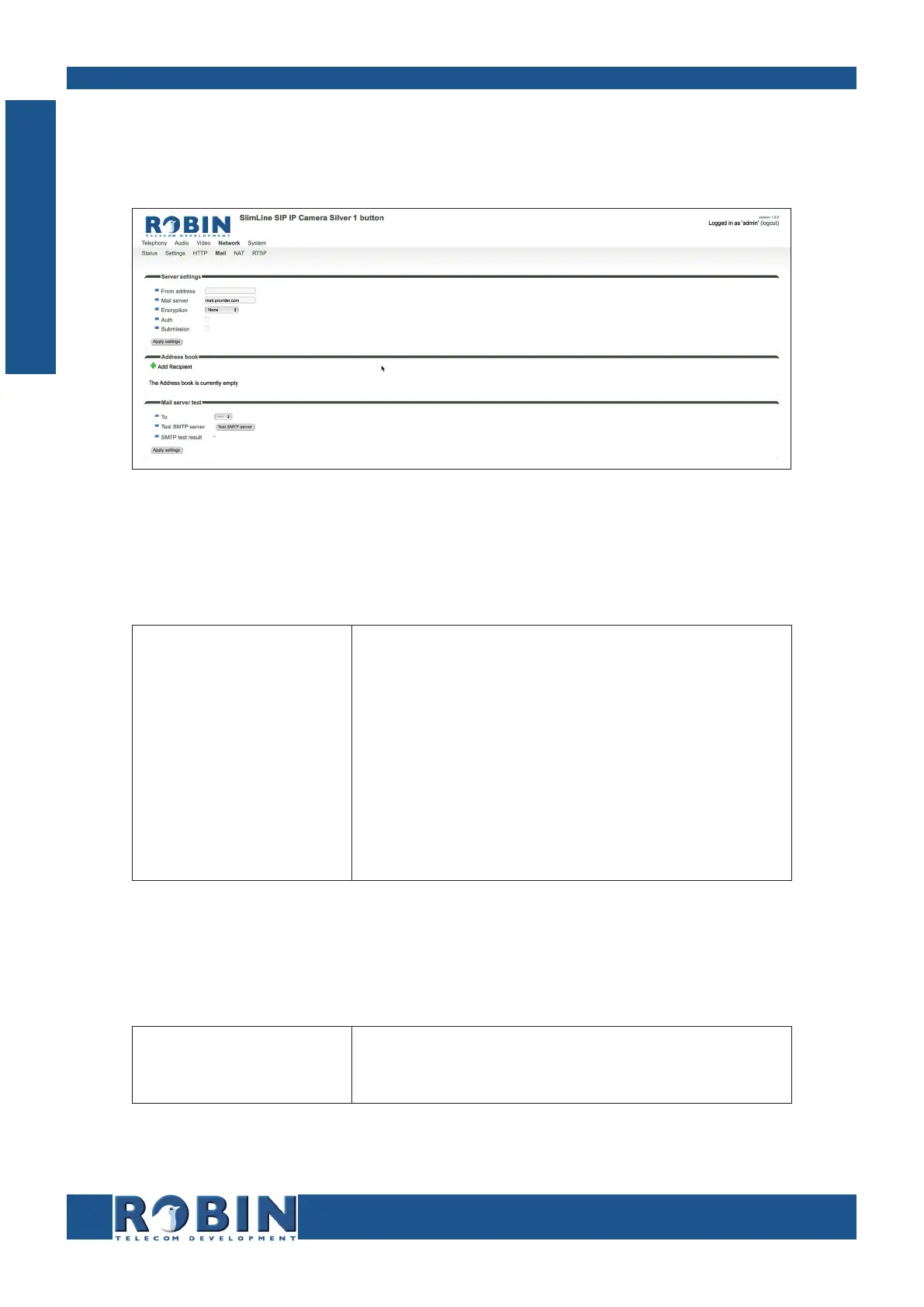
5.2.4.4 Network / Mail
Configure the e-mail settings for the Robin.
Server settings:
The green ‘+’ creates a new line.
The ‘>>’ behind a line opens the details for this line.
The red X behind a line deletes the line from the list.
From address
Mail server
Encryption
Auth
Submission
Set the from e-mail address of the Robin
Enter the e-mail server address or hostname
Select a encryption method (none, SSL, TLS)
Select this option if mail server authentication is
required
Select this option if the mail server uses the ‘Submis-
sion’ protocol
Address book:
The green ‘+’ creates a new line.
The ‘>>’ behind a line opens the details for this line.
The red X behind a line deletes the line from the list.
Name
Address
The name that is associated with this e-mail address
The e-mail address
C
Configuration



 To Next Page