gf57
57
Manual Robin SlimLine ENG - v. 1.0.0
Go to Robin:
Connect
Status
Message
Connect to ‘Go to Robin’
Display the connection status of ‘Go to Robin’
Information regarding the ‘Go to Robin’ connection
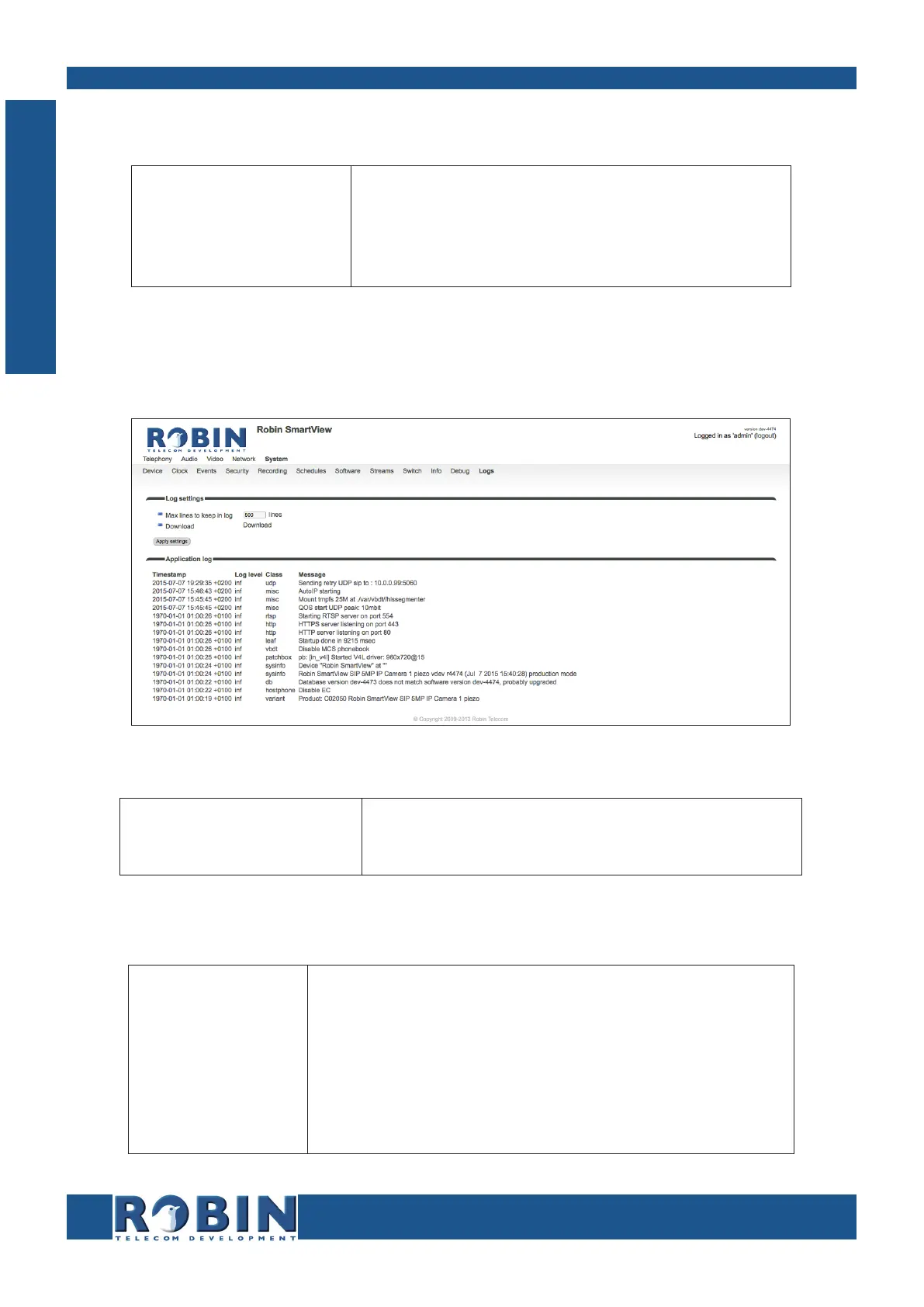
5.2.5.11 System / Logs
The Robin logs all events that occur.
Log settings:
Max lines to keep in log
Download
The number of log file lines that are stored
Download the log file to the PC
Application log:
Timestamp
Log level
Class
Message
Time stamp for the log entry
The log entry classification
The software component in the Robin that led to genera-
tion of the entry
The actual log message
C
Configuration



 To Next Page