gf38
38
Manual Robin SlimLine ENG - v. 1.0.0
Mail server test:
Tests the connection with the configured e-mail server.
To
Test SMTP server
SMTP test result
Enter a recipient address for the test e-mail message
Initiates the test e-mail message
Shows the test result
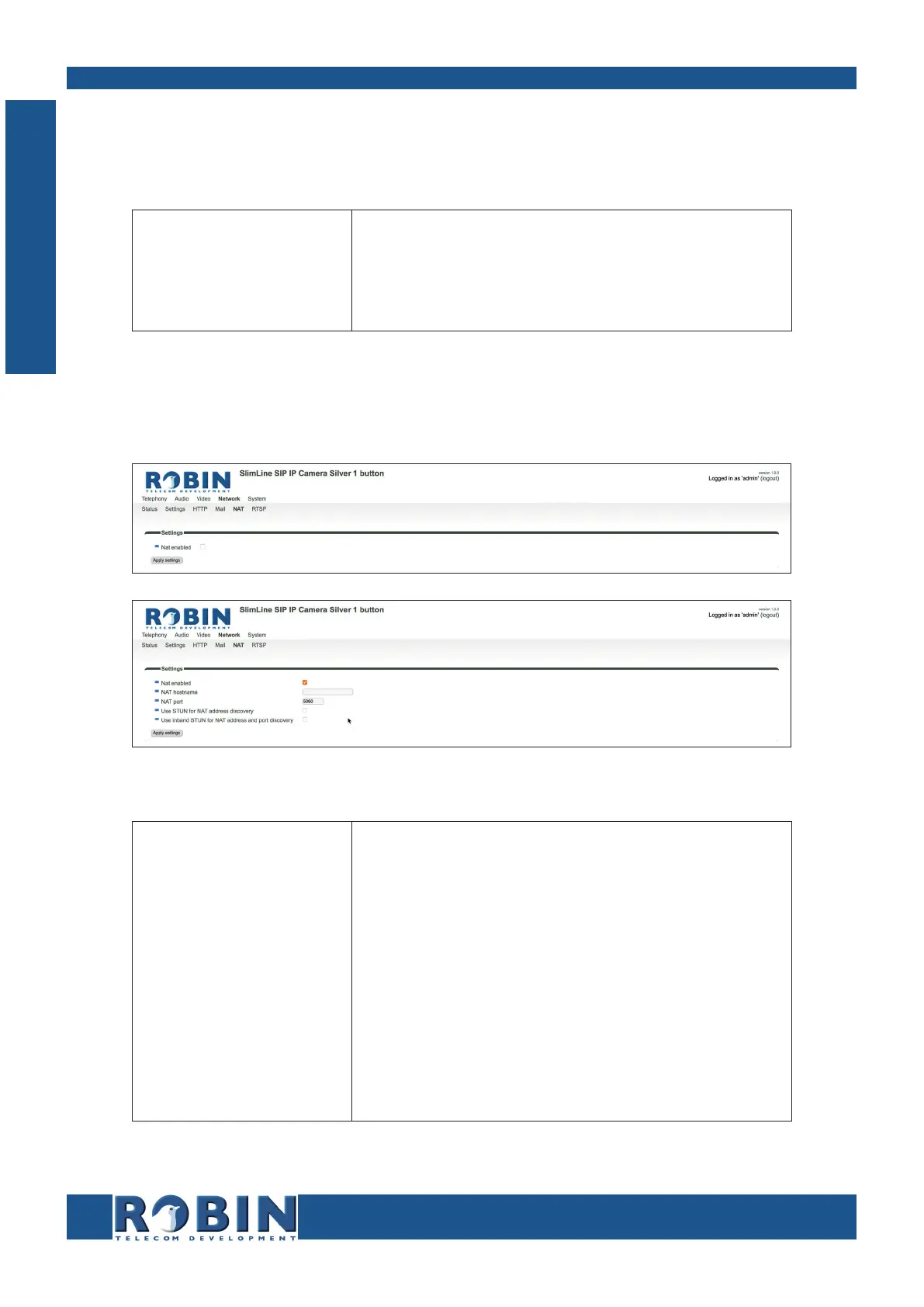
5.2.4.5 Network / NAT
Depending on the network configuration, you may need to enable NAT.
Settings:
NAT enabled
NAT hostname
NAT port
Use STUN for NAT
address discovery
Use inband STUN for
NAT address discov-
ery
Enable the use of NAT
Enter the IP address or the hostname for NAT usage
Enter the port for NAT usage
Activate this option if a STUN server is used for dis-
covery of the WAN IP address
Activate this option if inband STUN is used for
discovery of the WAN IP-address and the connection
port to use with NAT. Inband STUN uses the
Outbound proxy host as source
C
Configuration



 To Next Page