gf22
22
Manual Robin SlimLine ENG - v. 1.0.0
! Note: The number can be entered in multiple ways:
1. Just the number (e.g. 104, 1002, 6032 etc.). The handset is located on a connected SIP-
PBX in the same network or using a VoIP provider.
2. The number, followed by the IP address of the handset that is to be dialled (e.g.
1000@10.0.0.53, 102@192.168.1.21 etc.). The handset and the Robin are connected
to each other directly, i.e. the call is not routed via a SIP-PBX or VoIP provider. The Robin
dials the handset directly.
3. When used for Teams, the first part of the Teams user name (without the domain) can be
entered.
* Peer to Peer connection: If a direct connection between the Robin and a telephone set is
required - without the use of a SIP-PBX or VoIP provider - please check our whitepaper: How-
To_Peer-to-ENG.pdf on the supplied USB drive or on our support website: http://support.robintele.
com
Profiles:
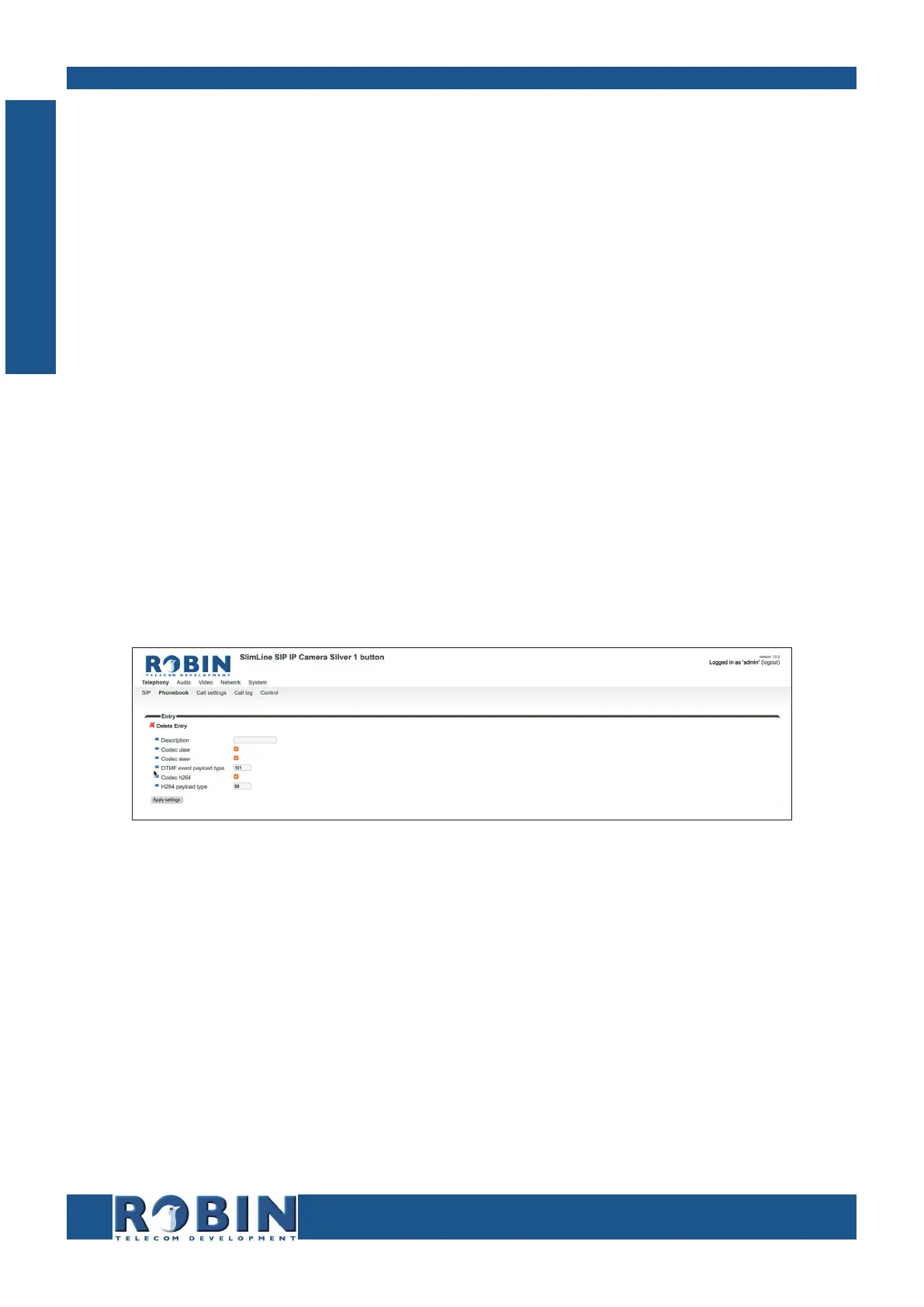
Define profiles. A profile is a set of audio- and video related settings.
The green ‘+’ creates a new line.
The ‘>>’ behind a line opens the details for this line.
The red X behind a line deletes the line from the list.
C
Configuration



 To Next Page